Stay updated with the latest news, features, and insights about Vidi

Choosing a video player on macOS used to be straightforward. Today, with Apple Silicon Macs, HDR displays, and higher expectations around battery life and visual quality, how a video player is built matters just as much as what it can play. VLC, IINA...


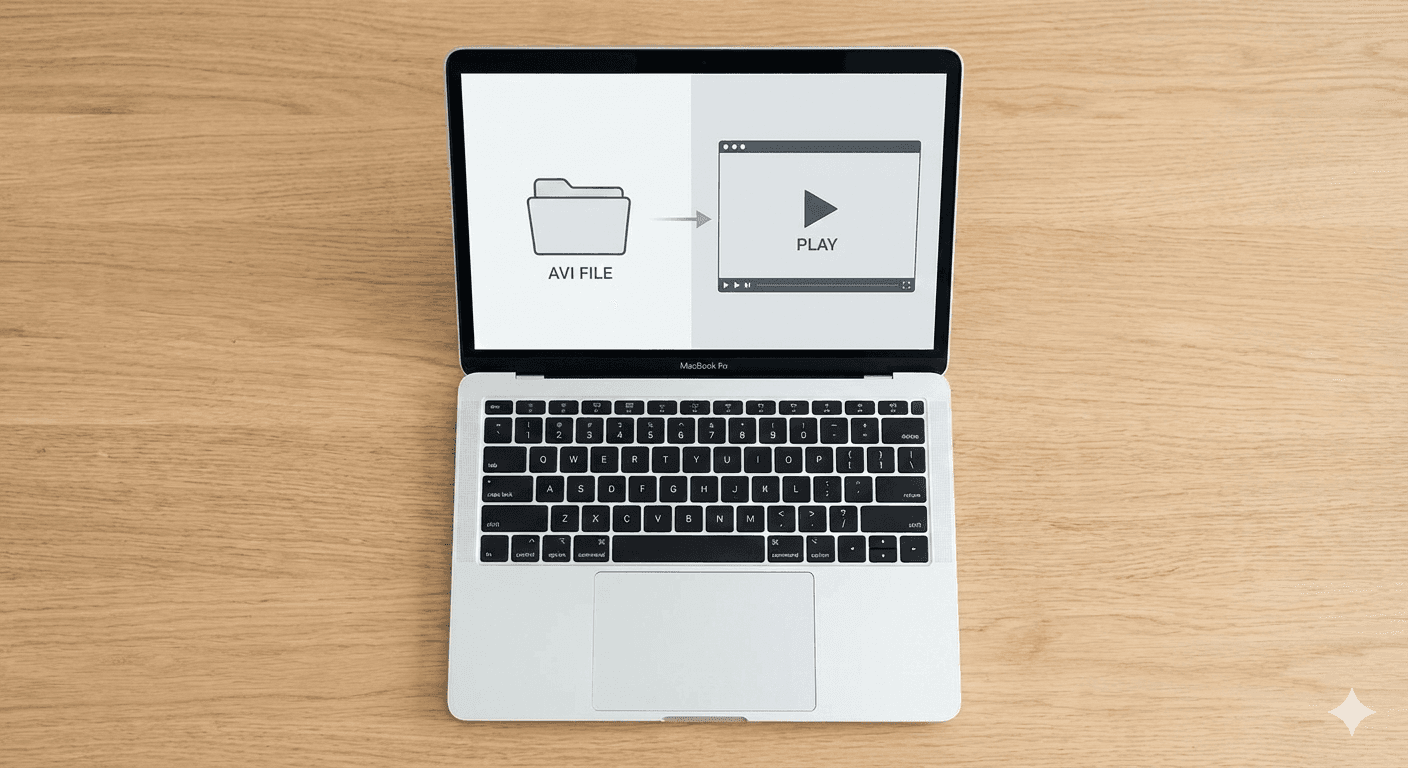
You double-click an AVI file on your Mac. QuickTime opens, shows a black screen or an error message, and you're stuck. This happens because macOS doesn't include the codecs needed to decode most AVI files—even though the format has been around since ...


When people hear “spatial audio,” they usually think of AirPods Pro or high-end gaming headsets. In reality, spatial audio isn’t about the headphones, it’s about the processing. While building Vidi, I implemented a spatial audio engine that works wit...


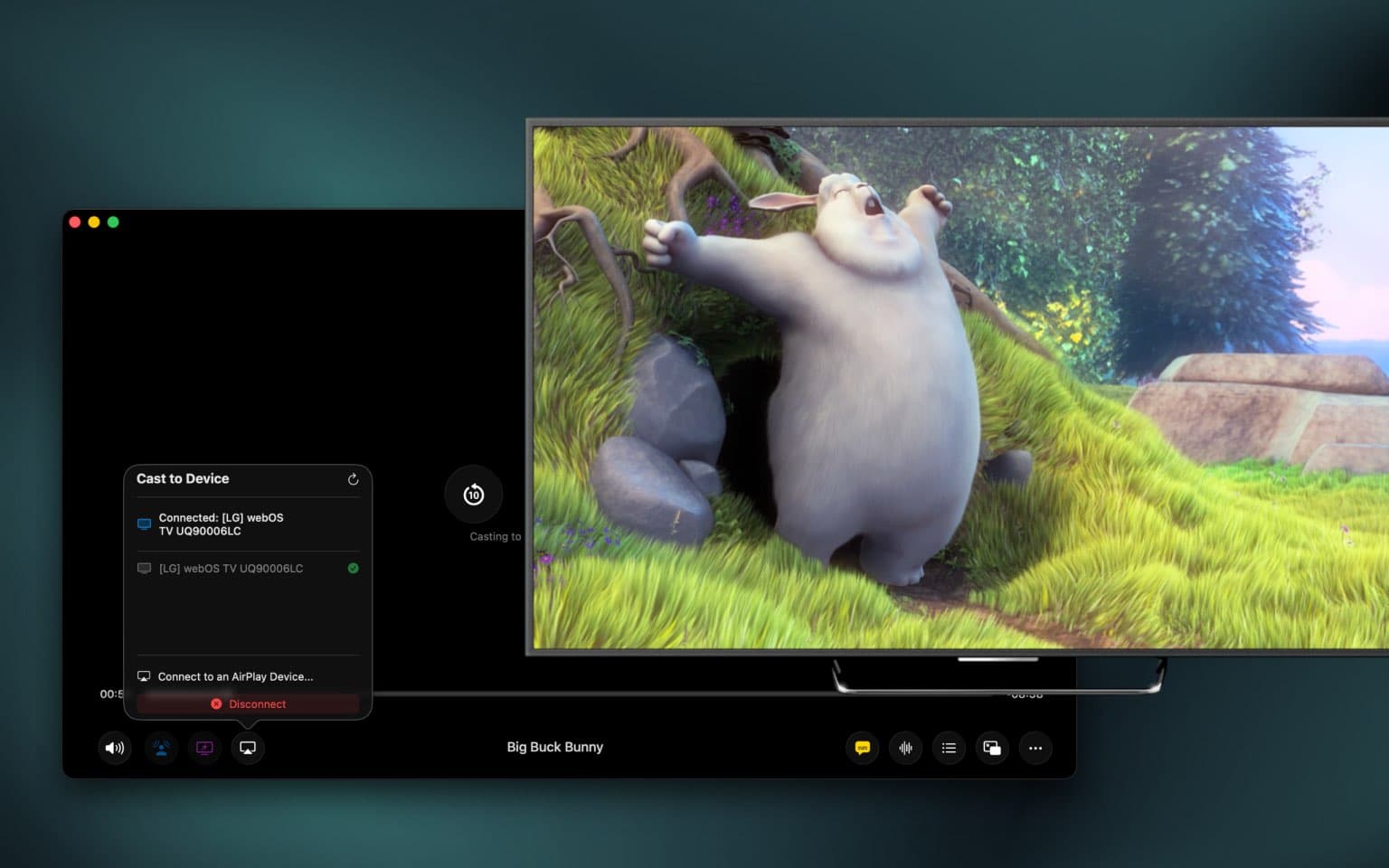
Casting video from a Mac sounds simple — until you actually try to do it. Between AirPlay, Chromecast, DLNA, and app-specific limitations, many macOS users end up confused about what works, what doesn’t, and why. This guide explains how video casting...


Apple Silicon fundamentally changed what Macs are capable of. With M‑series chips, Macs deliver incredible performance per watt, powerful media engines, and long battery life — but only if apps are built to take advantage of them. When it comes to vi...


If you’ve ever watched a video on your Mac and thought the colors looked flat, washed out, or just off, you’re not imagining things. This is a common issue on macOS — especially with HDR or high-quality video files. The reason isn’t usually the video...


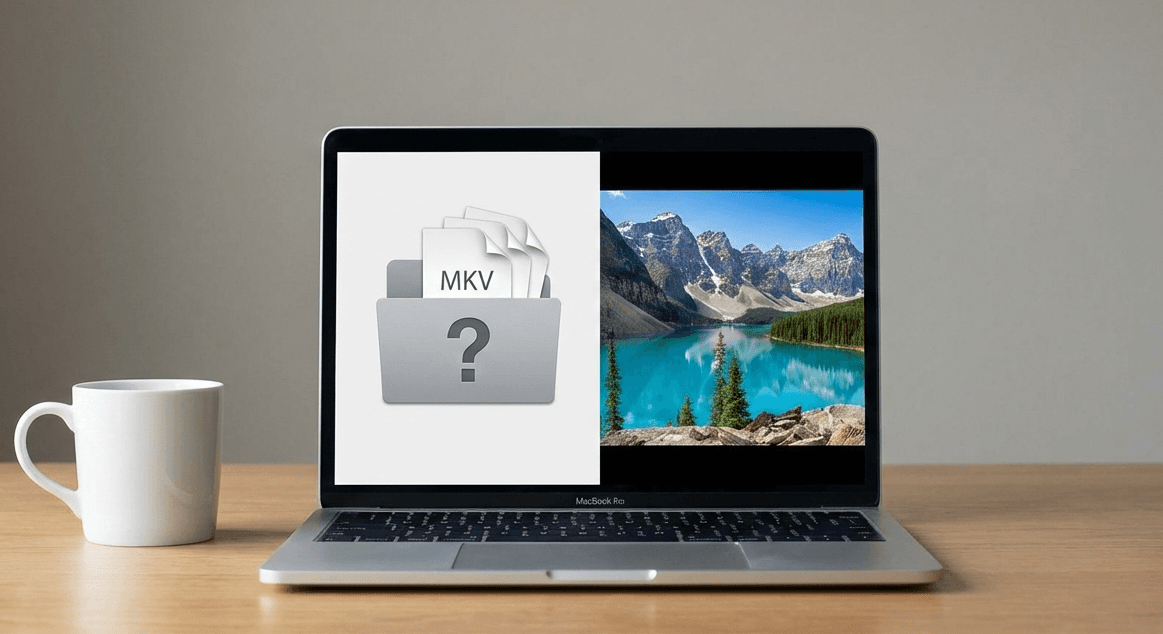
If you’ve ever double‑clicked a video on your Mac only to see QuickTime refuse to open it, there’s a good chance the file was an MKV. This is a common frustration for macOS users — and it’s not because the file is broken. In this article, we’ll expla...


If you’ve ever downloaded a movie or TV episode and found it wouldn’t open in QuickTime, chances are it was an MKV file. While MKV is a popular and flexible video format, macOS doesn’t support it out of the box — which can be frustrating. Here’s what...


On modern macOS, video playback is no longer just about opening a file. With apple Silicon, advanced display pipelines, and strict power efficiency mean the architecture of a video player has a direct impact on image quality, audio, and battery life....


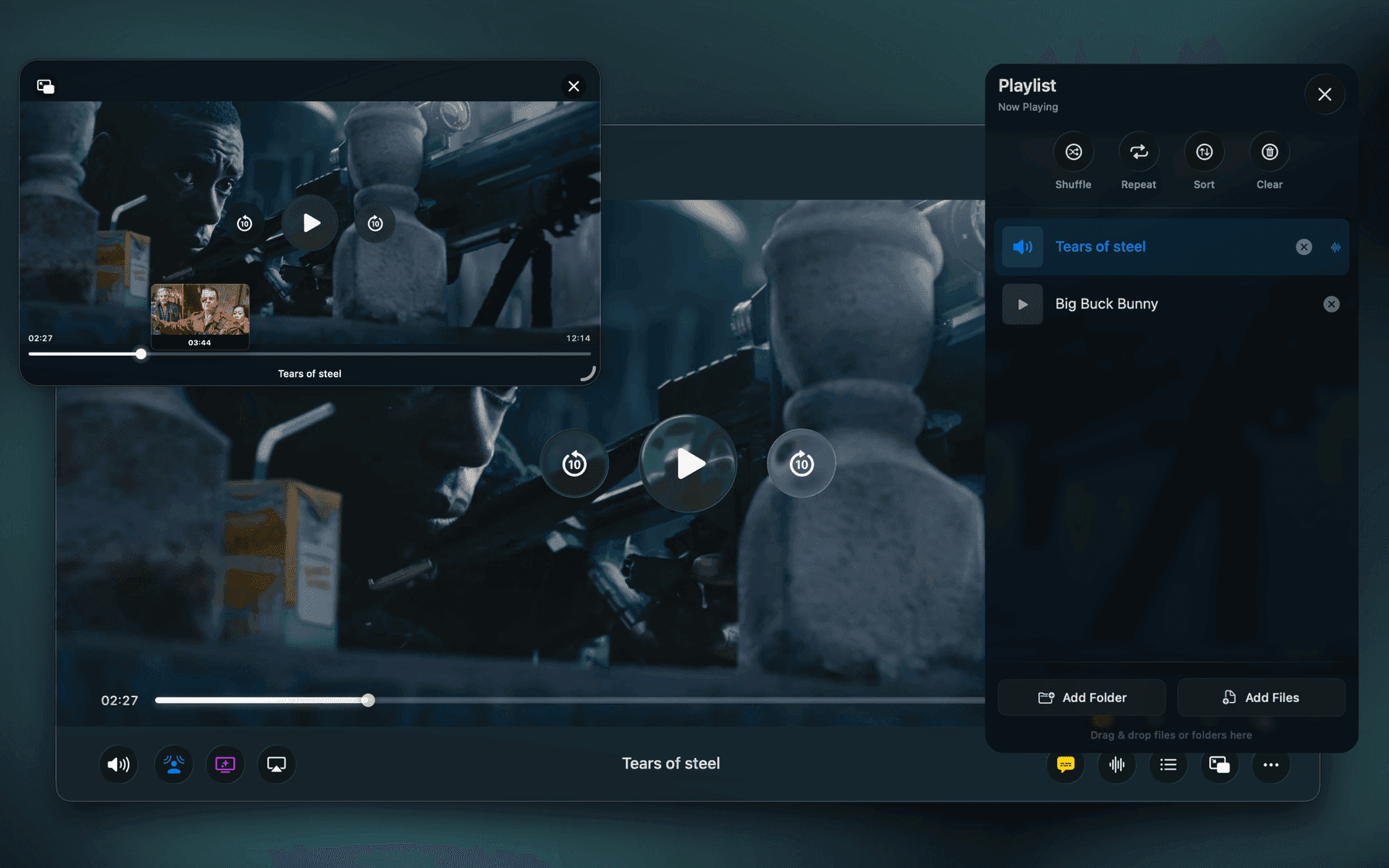
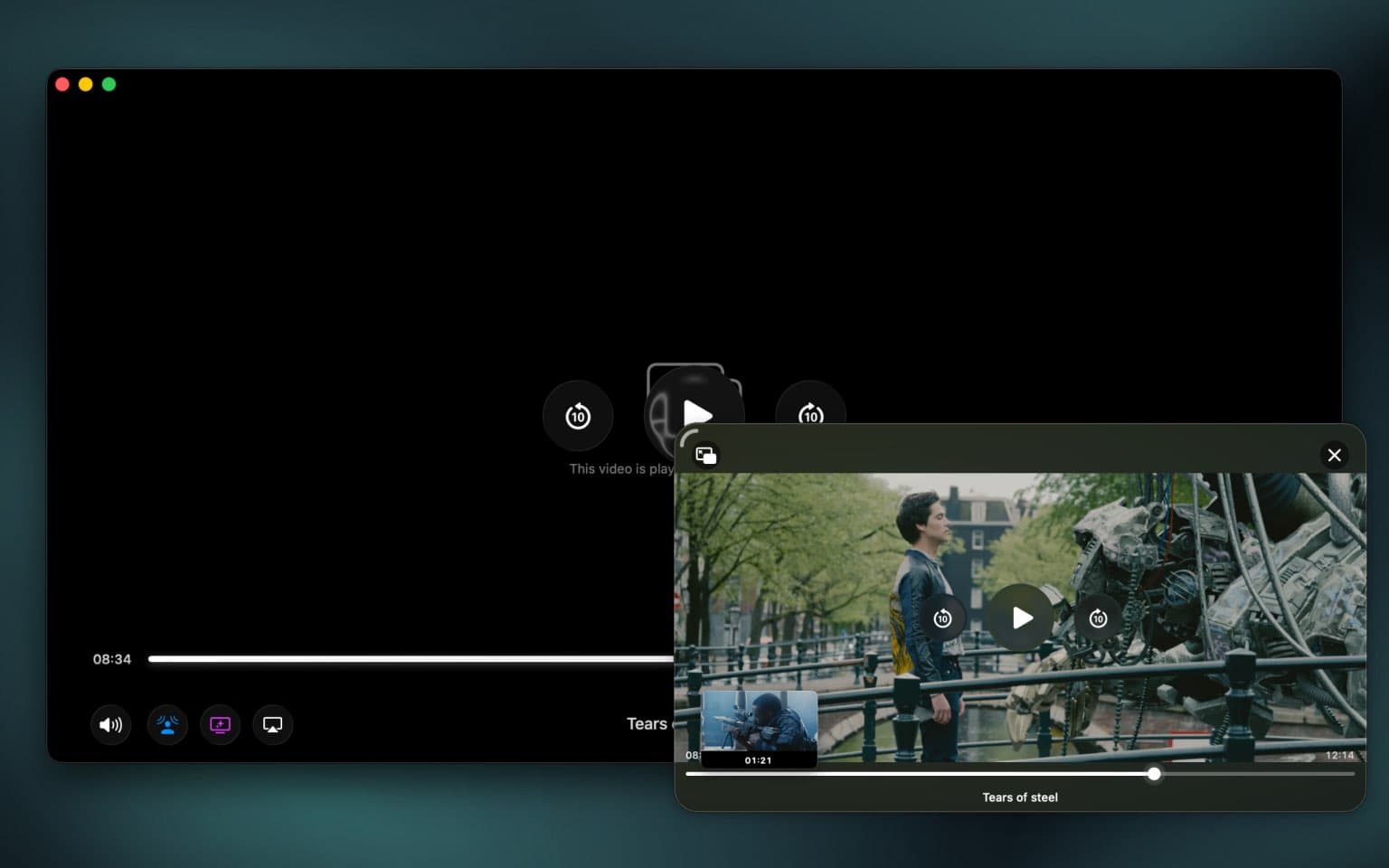
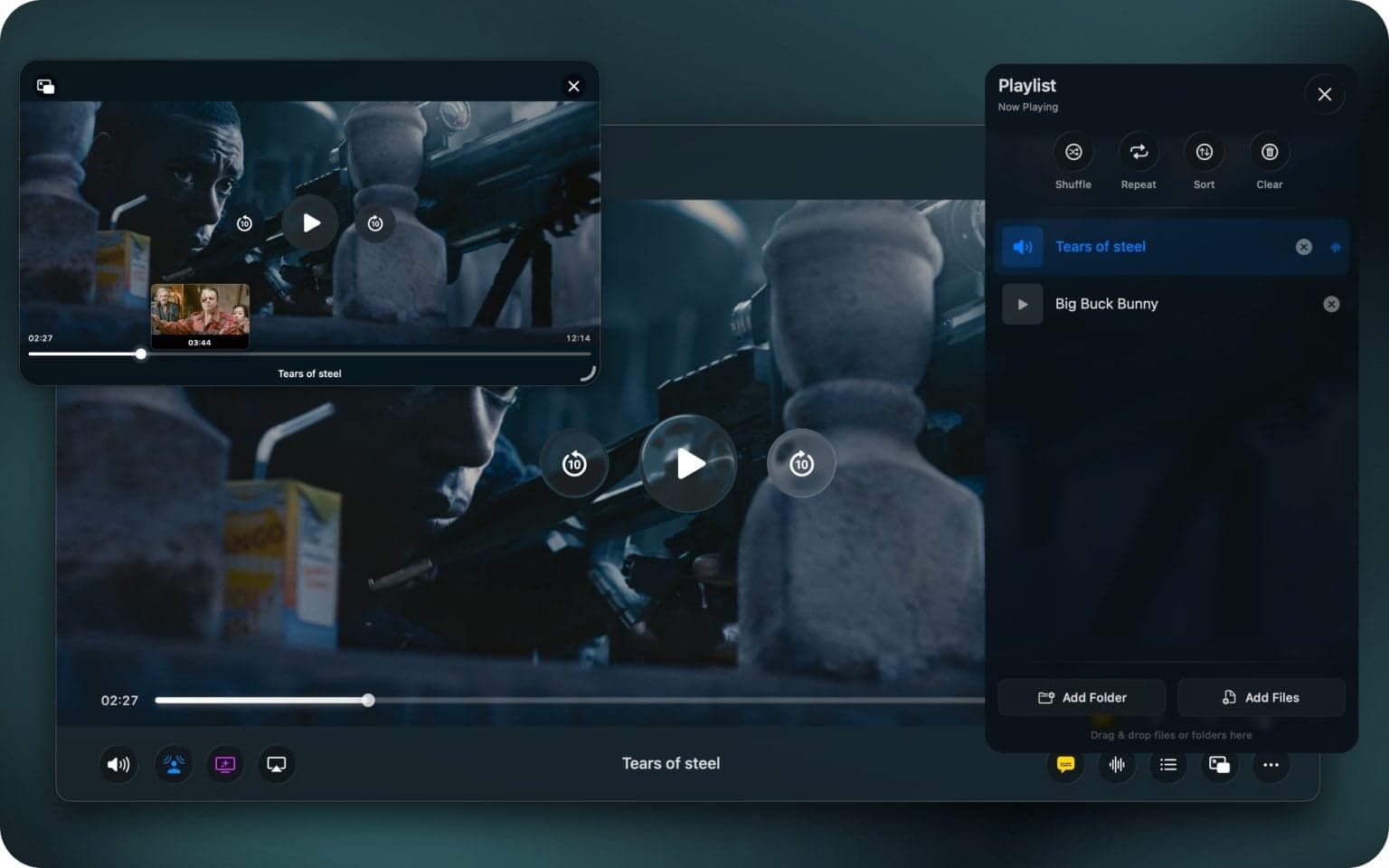
This was the feature that started it all. Before Vidi, I was a heavy user of other Mac video players. I’m a developer, which means I spend most of my day with a code editor on one side of the screen and a video playing in Picture-in-Picture (PiP) on ...


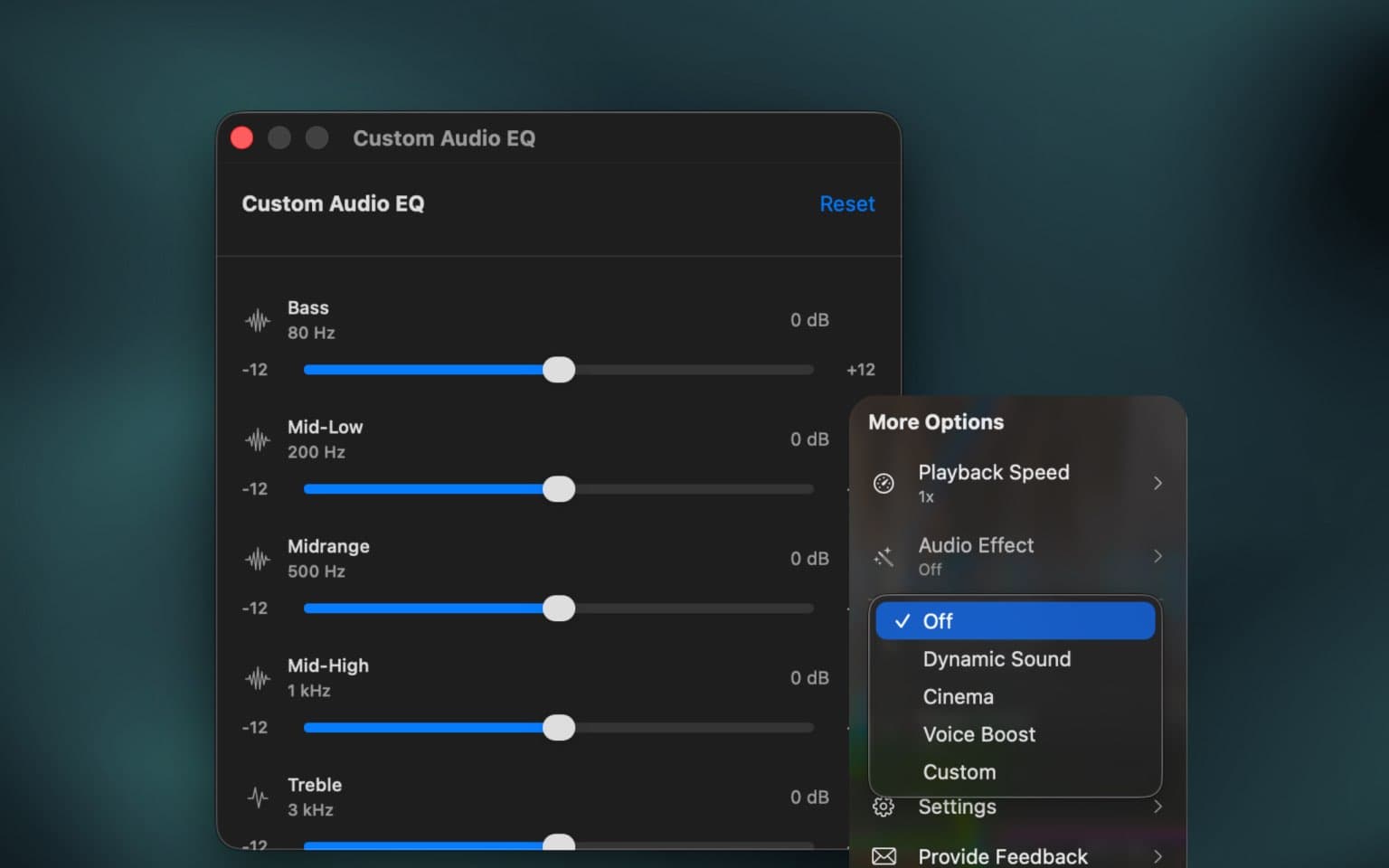
When we talk about video players, we almost always talk about pixels. Is it 4K? Is it HDR? Is the color accurate? But as any movie lover knows, video is only half the experience. The other half is audio. Most video players treat audio as an afterthou...


We've all been there. It's late, you're trying to watch the latest blockbuster, and you can't understand what the actors are saying. The action scenes are deafening. The explosions shake the room. You dive for the remote to turn the volume down. A se...


You double-click a video file someone sent you. It's an .mkv, an .avi, or a .webm. Instead of your video playing, you get the same frustrating error: "The file ... is not compatible with QuickTime Player." We've all been there. We love our Macs for t...


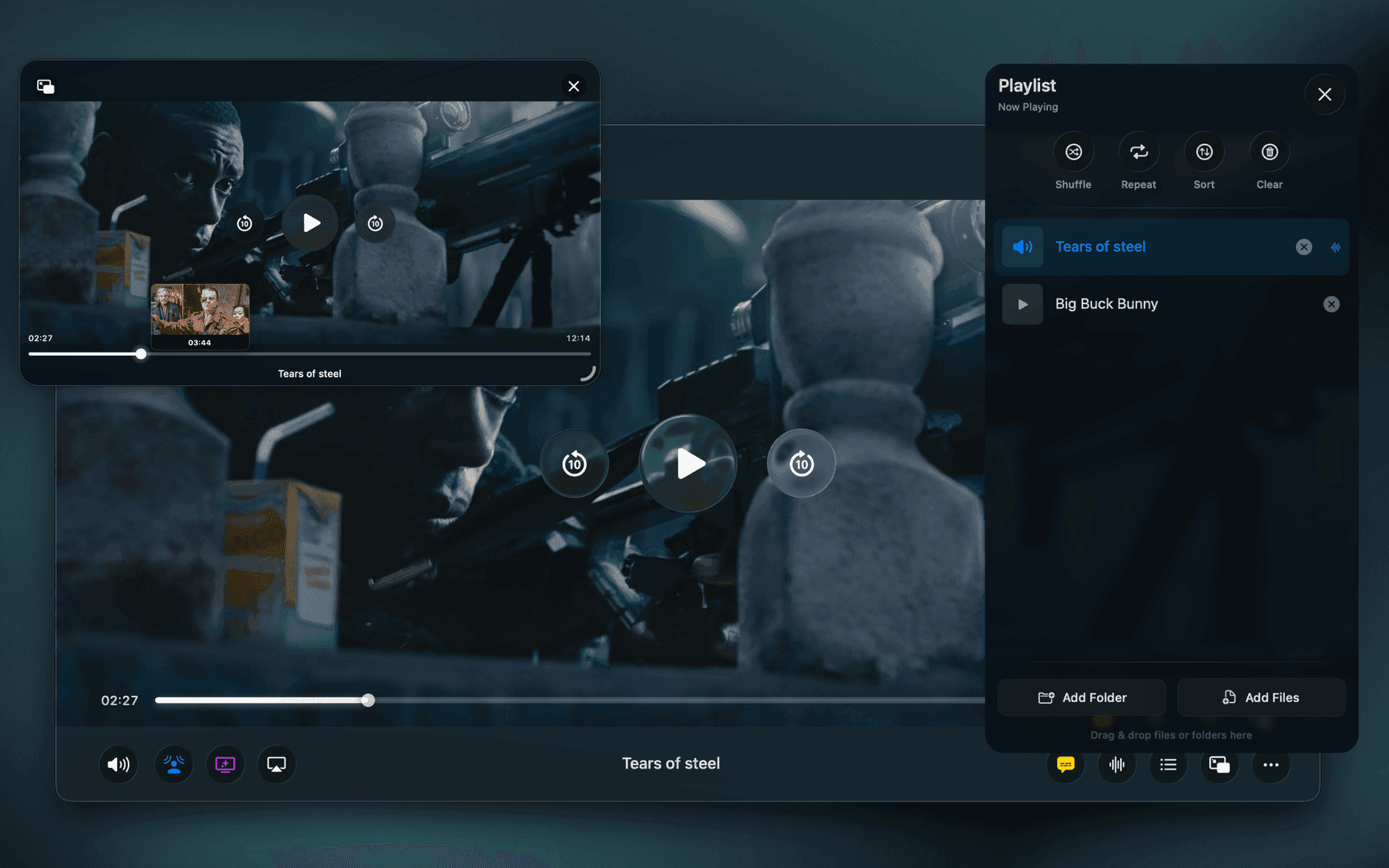
For years, my go-to video player was IINA. It’s a fantastic open-source project that has served the Mac community incredibly well. It plays almost anything you throw at it, and for most people, it works great. But as someone who lives in Picture-in-P...