The Mac video player
that plays everything.
MKV, AVI, WebM, 4K HDR — opened instantly and rendered straight through Apple's native display pipeline. Spatial audio on any headphones, a Picture-in-Picture you can actually scrub, and an efficient playback layer underneath it all.
- Free to download
- macOS 12 or later
- Apple Silicon native
- Zero tracking
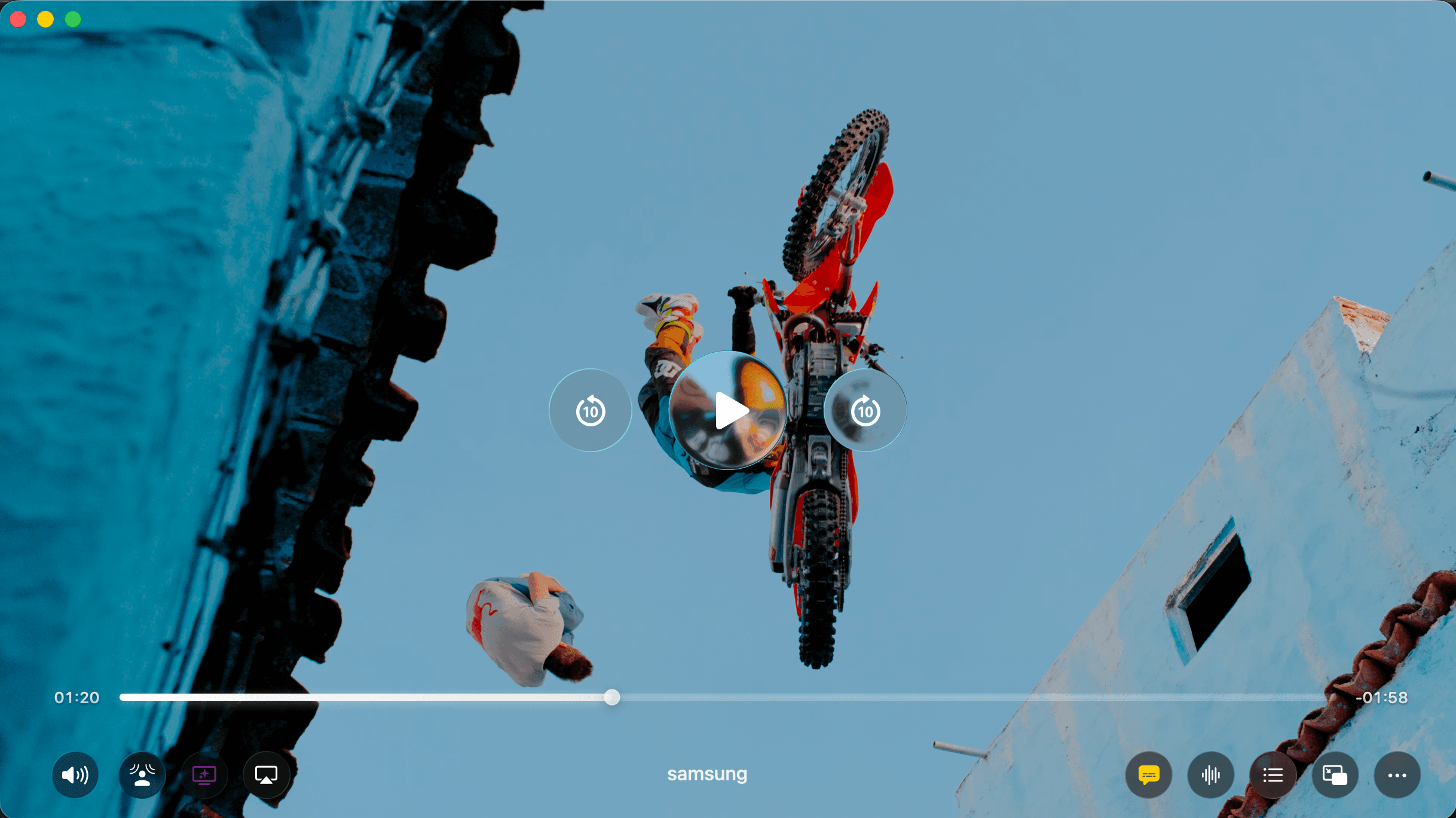
No conversion · No plug-ins · No “cannot open” dialog
Light on resources. Heavy on quality.
Decoding runs on FFmpeg, but every frame is handed straight to Apple's native display pipeline. That means real HDR, accurate color on XDR displays, and CPU usage stays very low.
- Native HDR10 (PQ) and HLG playback
- Hardware-accelerated decode on Apple Silicon
- Rec. 709, Rec. 2020 and DCI-P3 profiles
- Smooth 4K and 8K playback
- HDR playback
- 4K/8K
- Color depth
- 10-bit
- And beyond
- 60fps
HDR playback
Color depth
And beyond
Cinema sound. Any headphones.
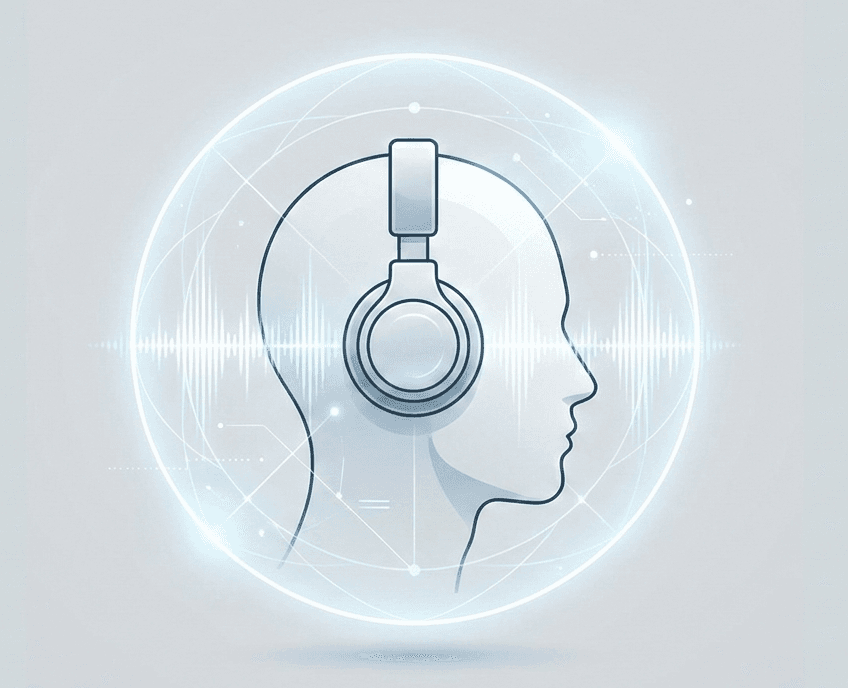
Vidi uses Apple's spatial audio engine to place a 5.1 or 7.1 mix around you — above, behind, beside — through whatever headphones you already own. No special encodes. No surround rig.
- Spatial audio from any 5.1 or 7.1 track
- Voice Boost for muffled dialogue
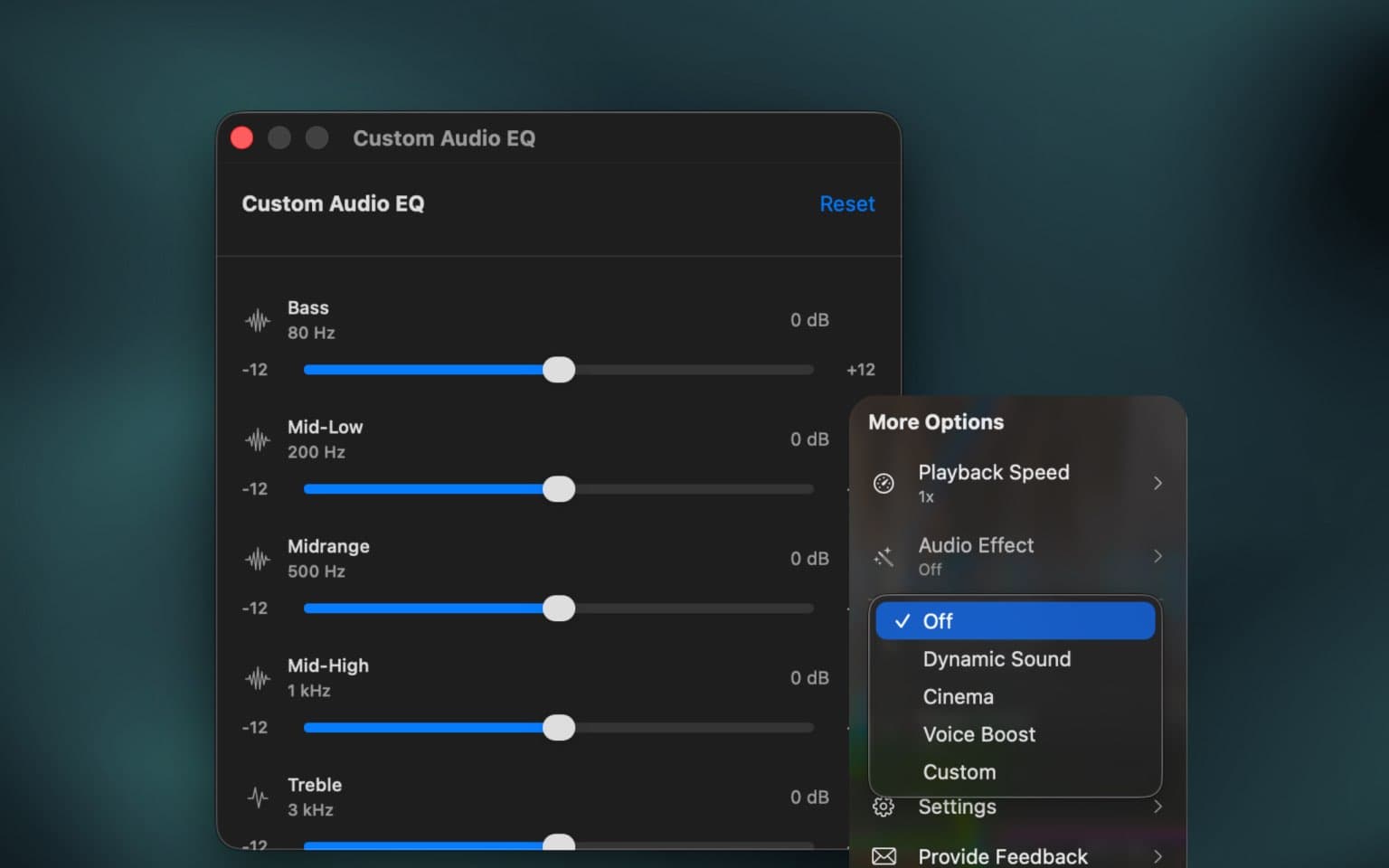
- 7-band EQ, 80 Hz to 8 kHz
- Volume boost up to 400%
- Surround in
- 5.1 & 7.1
- Soundstage out
- 3D
- Volume ceiling
- 400%
Surround in
Soundstage out
Volume ceiling
Dynamic Sound · Cinema · Voice Boost
Watch while you work.
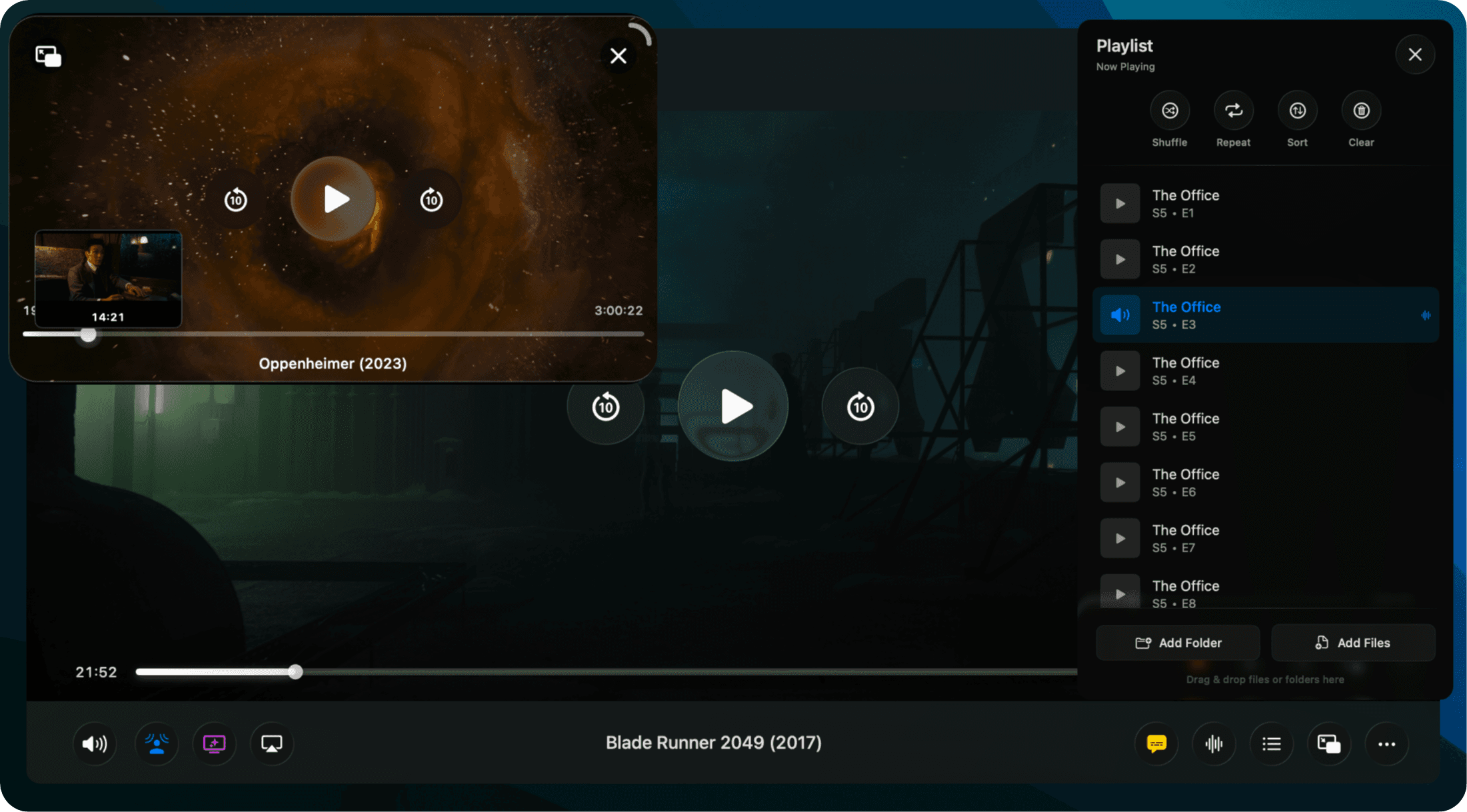
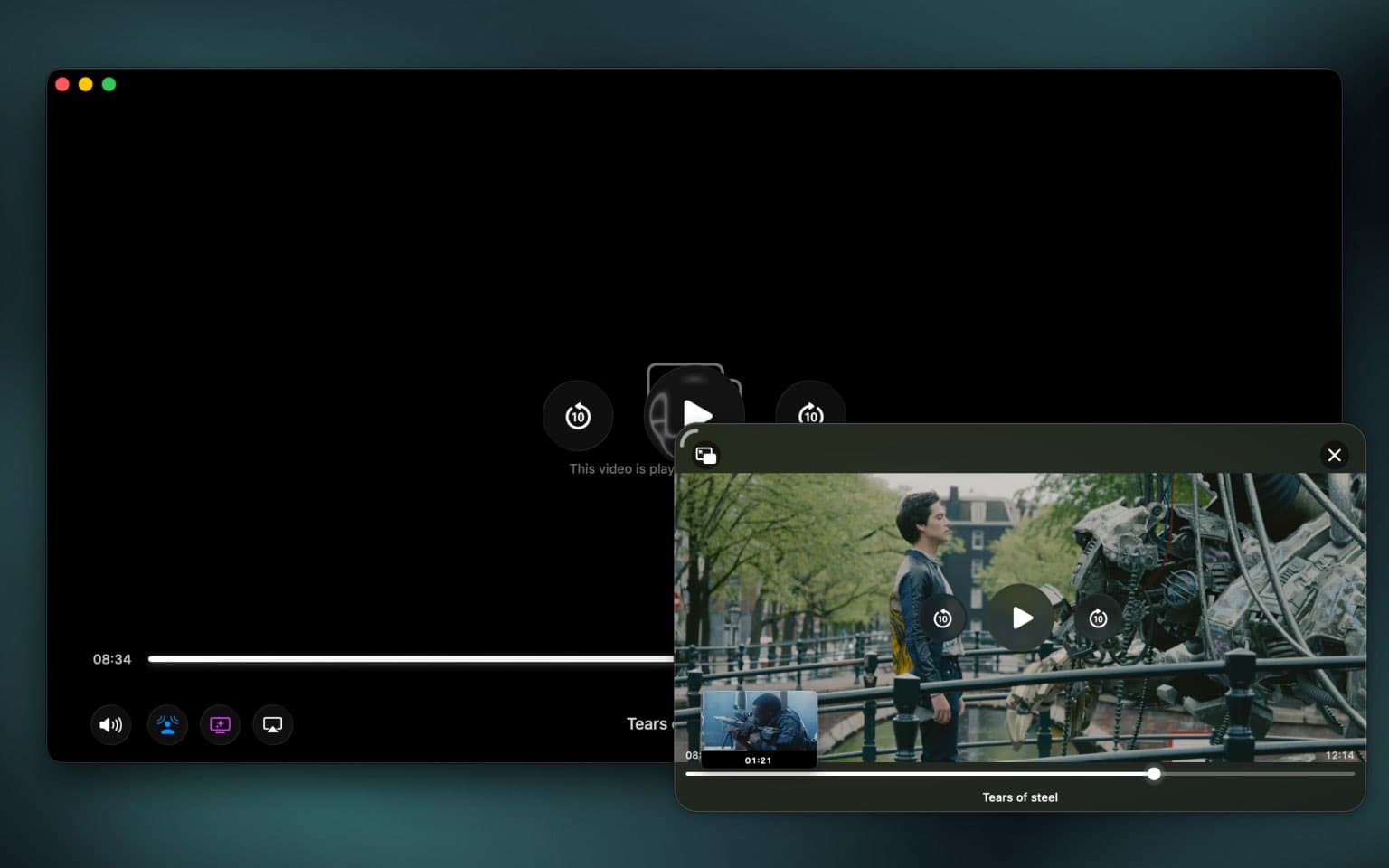
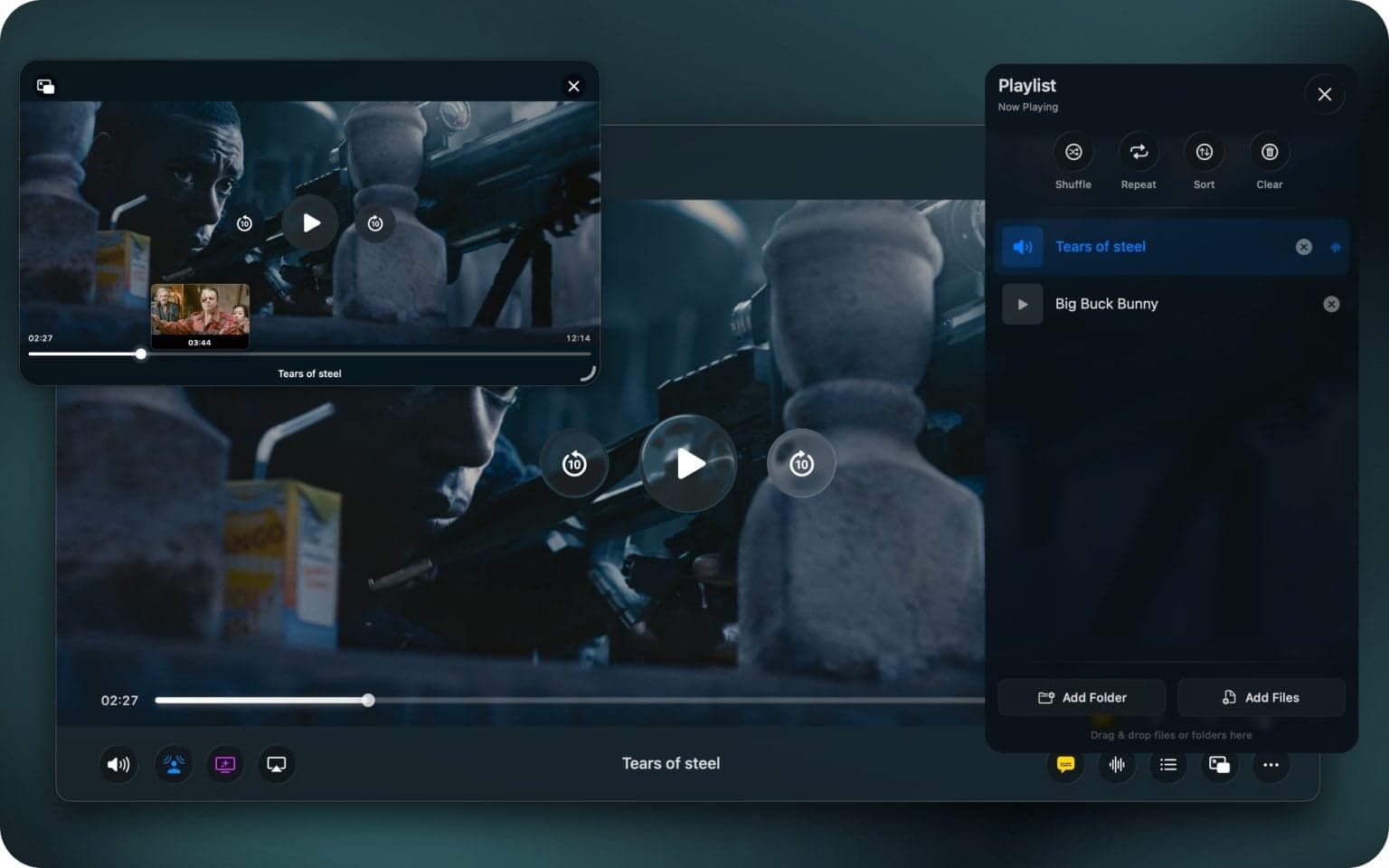
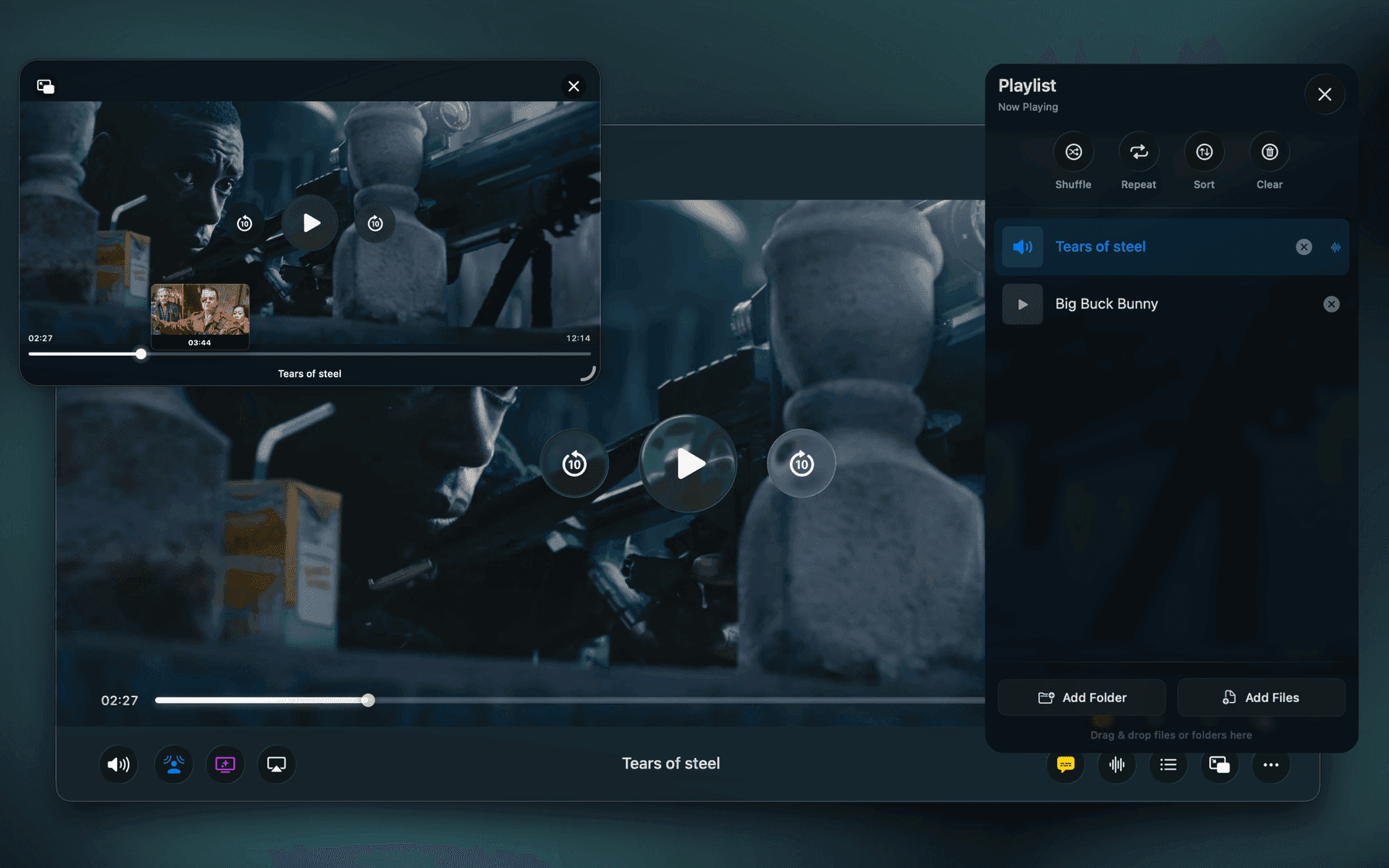
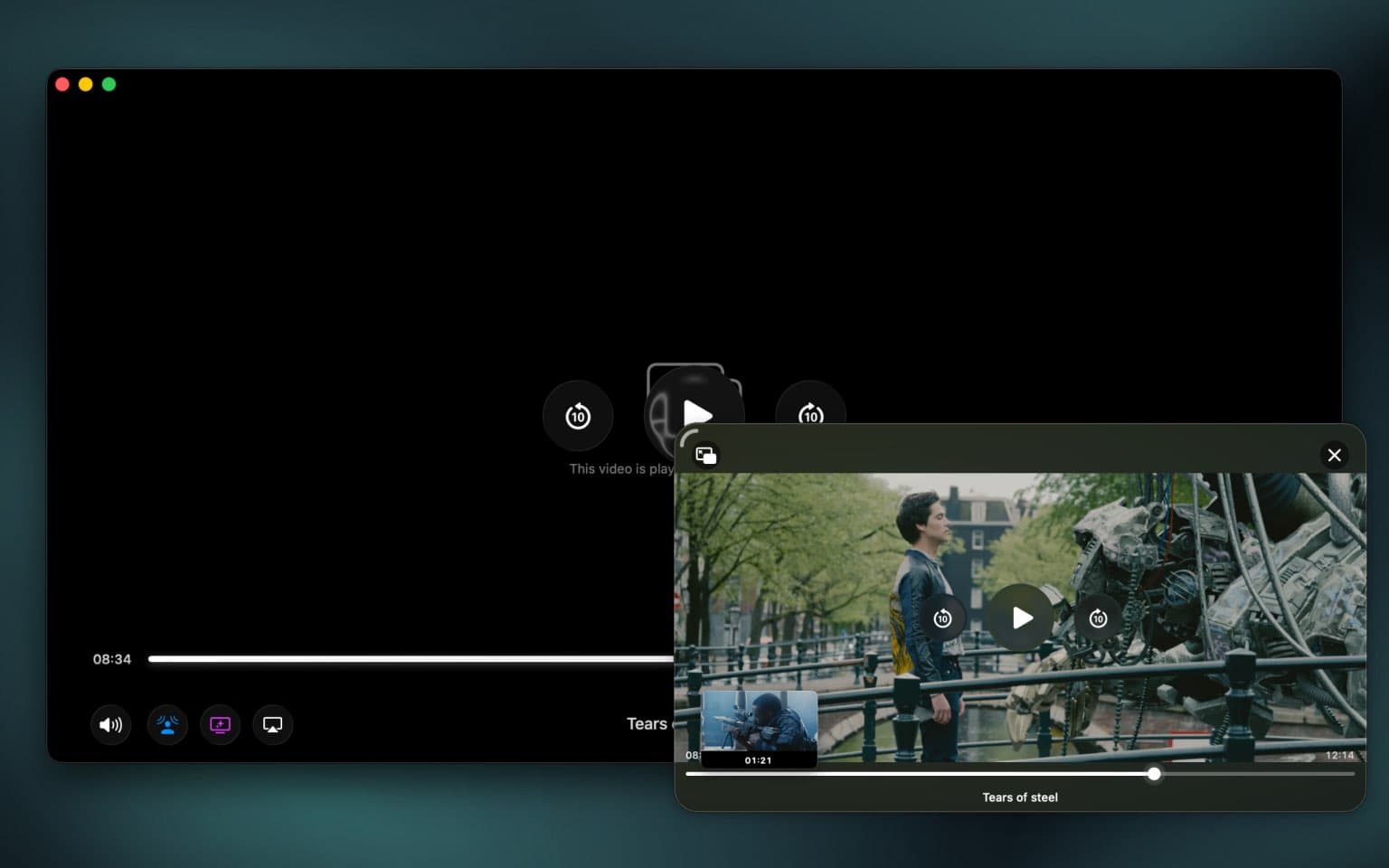
Most Picture-in-Picture windows are a box with a pause button. Ours is the whole player: scrub the timeline, preview thumbnails as you drag, read subtitles, skip ahead — without ever going back to the main window.
- Full timeline scrubbing with thumbnail preview
- Subtitles rendered in the floating window
- Always on top, across every Space
- Snap to any corner, any size
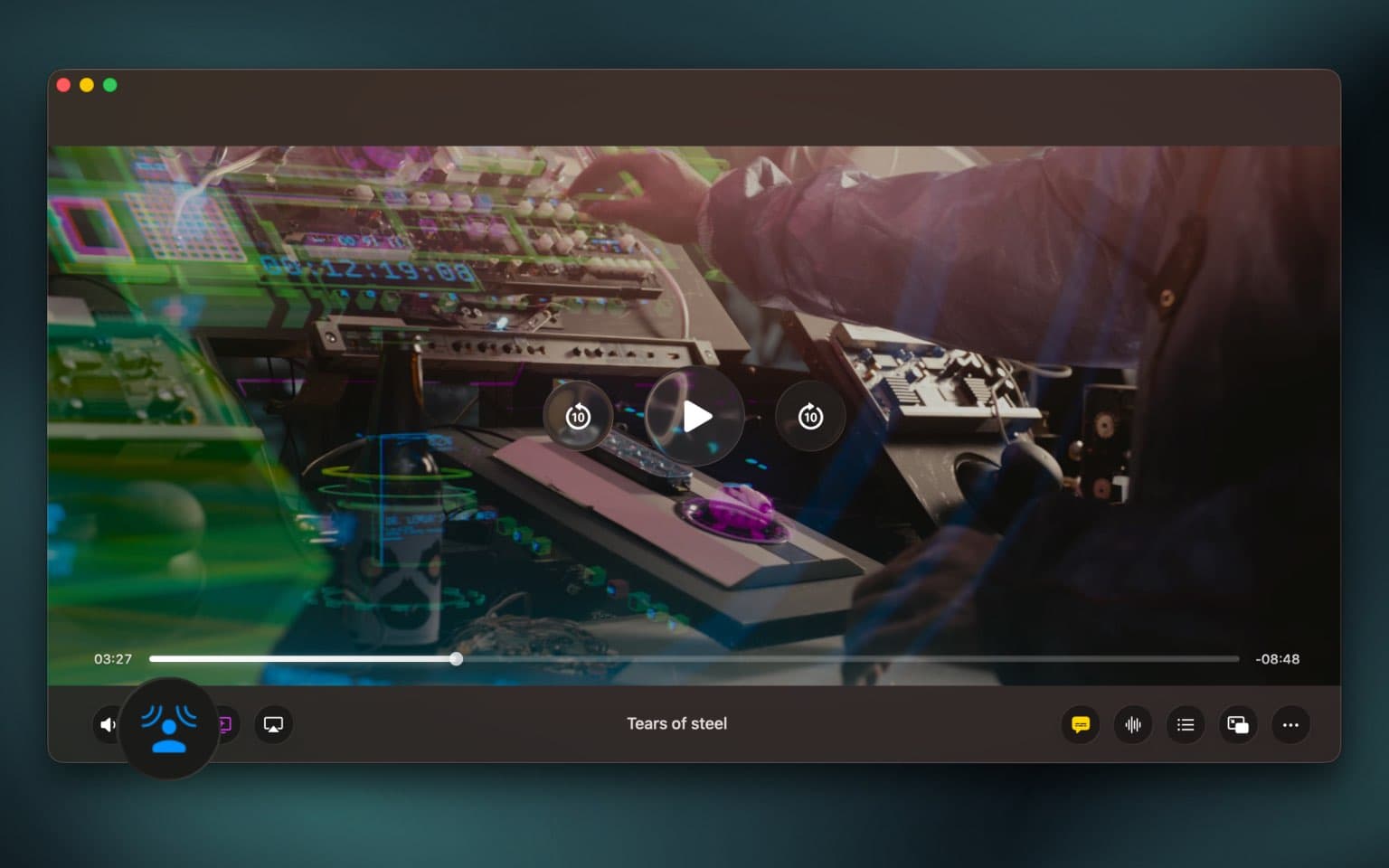
The screen doesn't end at the bezel.
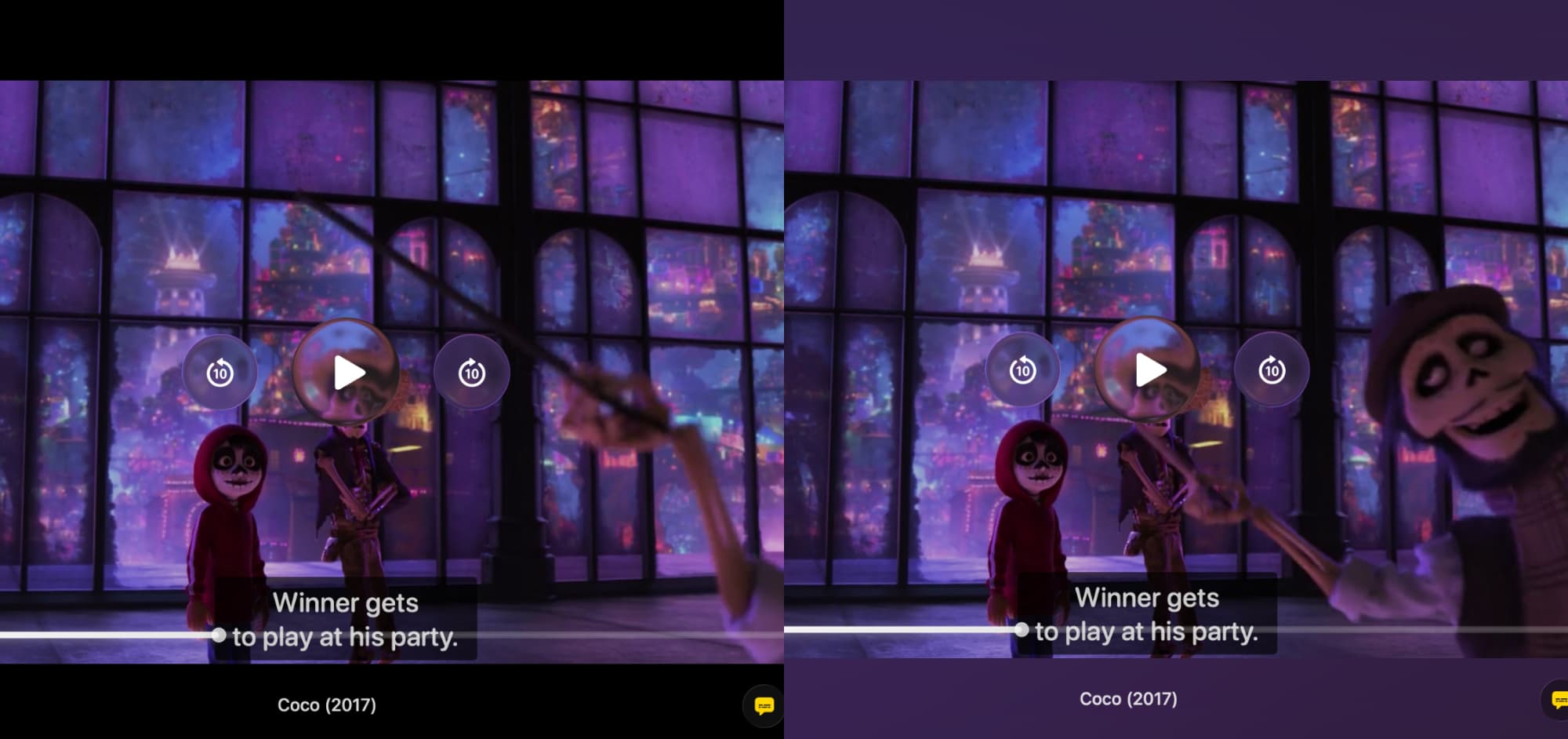
Ambient Mode reads the colors of every frame in real time and spills them out around the player, so the picture feels far larger than the window it lives in.
The rest of the interface is built around macOS liquid glass design.
- Real-time color extraction, frame by frame
- Pinch to resize, zoom and pan in full screen
- Controls fade on a delay you choose
- Remembers the window size you like
Your Mac. Their big screen.
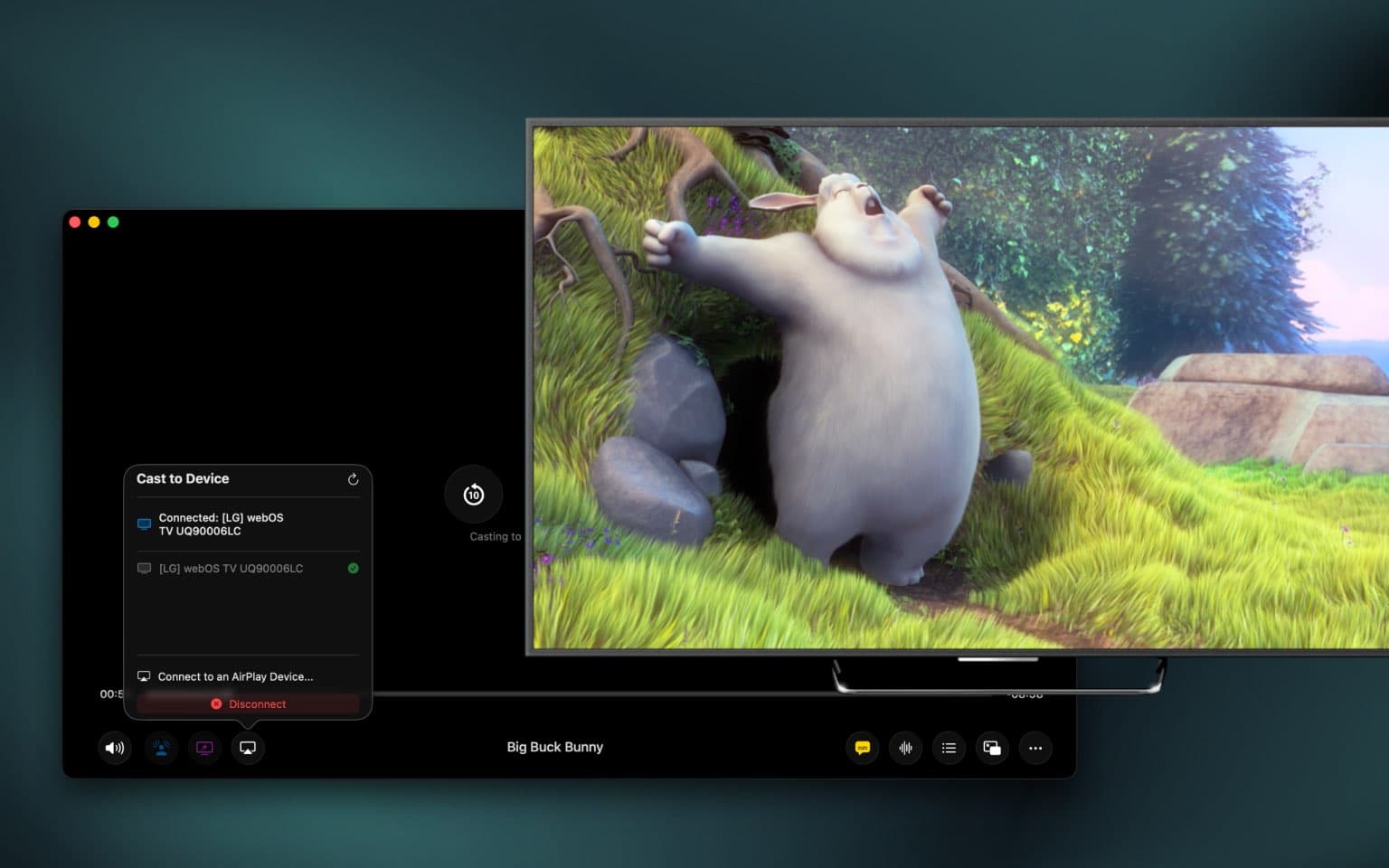
One click sends what you're watching to the TV: AirPlay, Chromecast, or any DLNA device on the network. Files stream straight off your Mac, so nothing gets uploaded anywhere.
- AirPlay, Chromecast and DLNA
- Streams local files, no upload
- Full playback control from your Mac
- Playlists roll on to the next episode
The rest of it
Small things you feel every day.
The headline features get the attention. These are the ones that make Vidi the player you keep opening.
Opens what QuickTime won't
Drop in an MKV, an AVI, a WebM, a decade-old DivX rip — it plays. No transcoding step, no codec packs, no dead-end error dialog.
Built for Apple Silicon
Hardware decoding on M1 through M4 keeps the CPU close to idle — quiet fans, cool palm rest, and a battery that lasts the movie.
Subtitles, solved
SRT, VTT, ASS and SSA, plus tracks buried inside MKVs. Even image-based subtitles get read on-device and styled like the rest. Missing a file? One tap pulls a match from OpenSubtitles.
Find the moment, not the minute
Live thumbnails follow your cursor along the timeline, so you land on the scene you were looking for the first time.
00:41:12
0.25× to 4× speed
Pitch-corrected all the way up, so voices still sound human.
Smart resume
Reopens exactly where you stopped, down to the second.
Auto playlist
Queues the rest of the folder so the next episode just rolls.
Readable filenames
Parses the release-name soup into show, episode and year.
Sleep timer
Pauses itself after 5, 15, 30, 45 or 60 minutes.
Shuffle & repeat
Loop one, loop all, or let the folder surprise you.
Frame-by-frame
Step one frame at a time with , and . while paused. Silently.
Picture adjustments
Brightness, contrast, saturation, exposure, temperature and tint.
Eleven languages
English, Spanish, French, German, Portuguese, Russian, Arabic, Hindi, Japanese, Korean and Chinese.
Hands stay on the keyboard
Every function has a shortcut, and the trackpad handles the rest.
Plus intro & outro skipping, gesture controls, and playback history.
Everything above,
turned up.
The core player is free, forever. Pro unlocks the cinema half — sound, screens and the effects that make a laptop feel like a theatre. One payment, once.
Spatial Audio & Cinema Mode
A true 3D soundstage from any 5.1 or 7.1 track, on any headphones.
Advanced Picture-in-Picture
Scrubbing, thumbnails and subtitles inside the floating window.
Cast to any screen
AirPlay, Chromecast and DLNA with full control from your Mac.
Dynamic Sound & Voice Boost
Lifts buried dialogue and evens out wild volume swings.
Ambient Mode
Backlight that spills the frame's colors around the player.
7-band equalizer
Presets for speech, music and night listening — or tune it yourself.
Volume boost to 400%
Rescues quiet recordings, in steps from 50% to 400%.
Intro & outro skipping
Reads chapter metadata and jumps straight to the story.
Pro is an optional in-app upgrade: one lifetime purchase, no subscription, no renewals. Everything else stays free.
Side by side
How it compares.
VLC and IINA are excellent projects built to run everywhere. Vidi is built to run here — and it shows up in the details.
| Feature | Vidi | IINA | VLC | QuickTime |
|---|---|---|---|---|
| MKV, AVI & WebM without conversion | ||||
| Rendering through Apple's native pipeline | mpv | Cross-platform | ||
| Native HDR10 & HLG playback | Varies | Varies | Varies | |
| Spatial audio on any headphones | ||||
| Picture-in-Picture with full scrubbing | Basic | Basic | Basic | |
| Cast to AirPlay, Chromecast & DLNA | Varies | Varies | ||
| Ambient backlight mode | ||||
| Voice Boost & 7-band EQ | Varies | Varies | ||
| Designed for modern macOS | ||||
| Price | Free · Pro one-time | Free | Free | Bundled |
Based on each player's default behaviour on macOS at the time of writing. Capabilities marked “Varies” depend on the file, the display and the settings in use.
From the blog
Get more out of every file.

Around two dozen containers — MP4, MKV, AVI, MOV, WebM, FLV, WMV, M4V, MPEG-2, TS/M2TS, 3GP, OGV, VOB, DivX, Xvid, RealMedia and more — with HEVC, H.264, AV1, VP9 and ProRes inside. No conversion step and no codec packs to install.

Give your Mac the player
it's been waiting for.
Free on the Mac App Store. Open your first file about thirty seconds from now.
Free download · macOS 12 or later · Apple Silicon & Intel