If you’ve ever watched a video on your Mac and thought the colors looked flat, washed out, or just off, you’re not imagining things. This is a common issue on macOS — especially with HDR or high-quality video files.
The reason isn’t usually the video itself. It comes down to how macOS handles color, HDR, and how different video players integrate with Apple’s display pipeline.
In this article, we’ll break down why this happens and what you can do to fix it.
What “Washed Out” Video Actually Means
When people describe video as washed out, they’re usually noticing one or more of the following:
-
Colors look dull or desaturated
-
Blacks appear gray instead of deep black
-
Highlights lack contrast
-
HDR content looks worse than SDR
These issues are especially noticeable on modern Mac displays, including Retina and XDR screens, where accurate color and contrast should shine.
SDR vs HDR: A Quick Overview
Most videos fall into one of two categories:
-
SDR (Standard Dynamic Range): Traditional video with limited brightness and color range
-
HDR (High Dynamic Range): Video with brighter highlights, deeper shadows, and a wider color gamut
HDR content relies heavily on correct tone mapping and color management. If either is handled poorly, the result is often washed-out or incorrect-looking video.
How macOS Handles Color and HDR
macOS has one of the most advanced color management systems of any desktop OS. It automatically manages color spaces, brightness, and tone mapping across different displays.
However, this system only works correctly when apps fully integrate with Apple’s display pipeline.
When a video player bypasses or partially implements this pipeline:
-
HDR tone mapping may be incorrect
-
Colors may be converted improperly
-
Video can appear flat or desaturated
This is where many playback issues originate.
Why Some Video Players Struggle on macOS
Many popular video players rely on cross-platform rendering layers designed to work across Windows, Linux, and macOS.
While this approach improves compatibility, it often means:
-
Limited access to Apple’s native color management
-
Inconsistent HDR handling
-
Higher CPU usage during playback
As a result, even high-quality HDR files can look worse than expected on a Mac.
How Native macOS Players Fix Washed-Out Video
Video players built to use Apple’s native display pipeline can take full advantage of:
-
System-level color management
-
Accurate HDR tone mapping
-
Display-specific brightness and gamut data
This ensures:
-
Colors look as intended
-
Blacks remain deep
-
Highlights retain detail
-
HDR content actually looks better than SDR
On Apple Silicon Macs, this approach also improves efficiency and battery life.
What You Can Do Today
If videos look washed out on your Mac:
-
Make sure the video is actually HDR (not poorly mastered SDR)
-
Avoid players that rely heavily on cross-platform rendering layers
-
Use a video player that integrates properly with macOS color and HDR systems
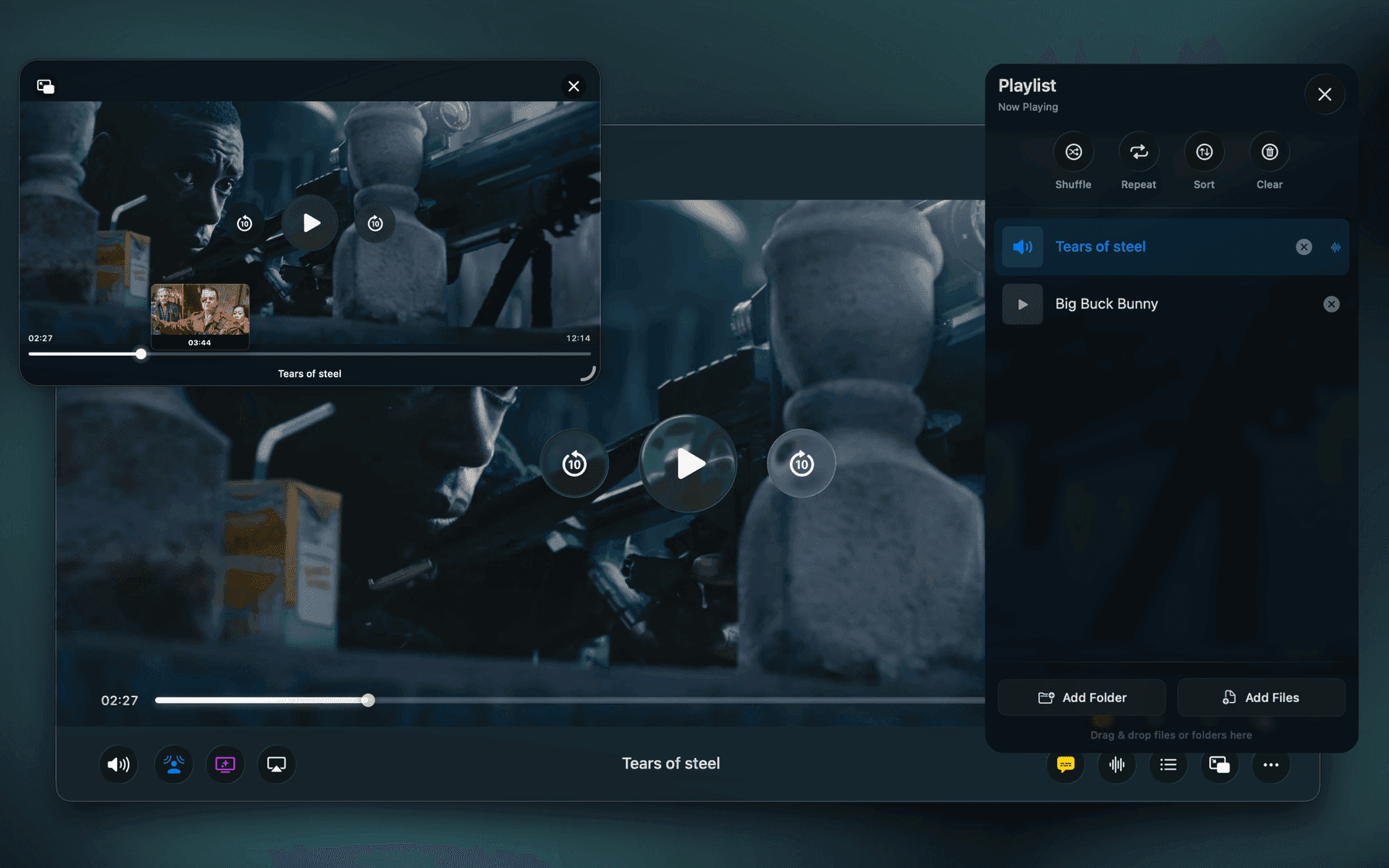
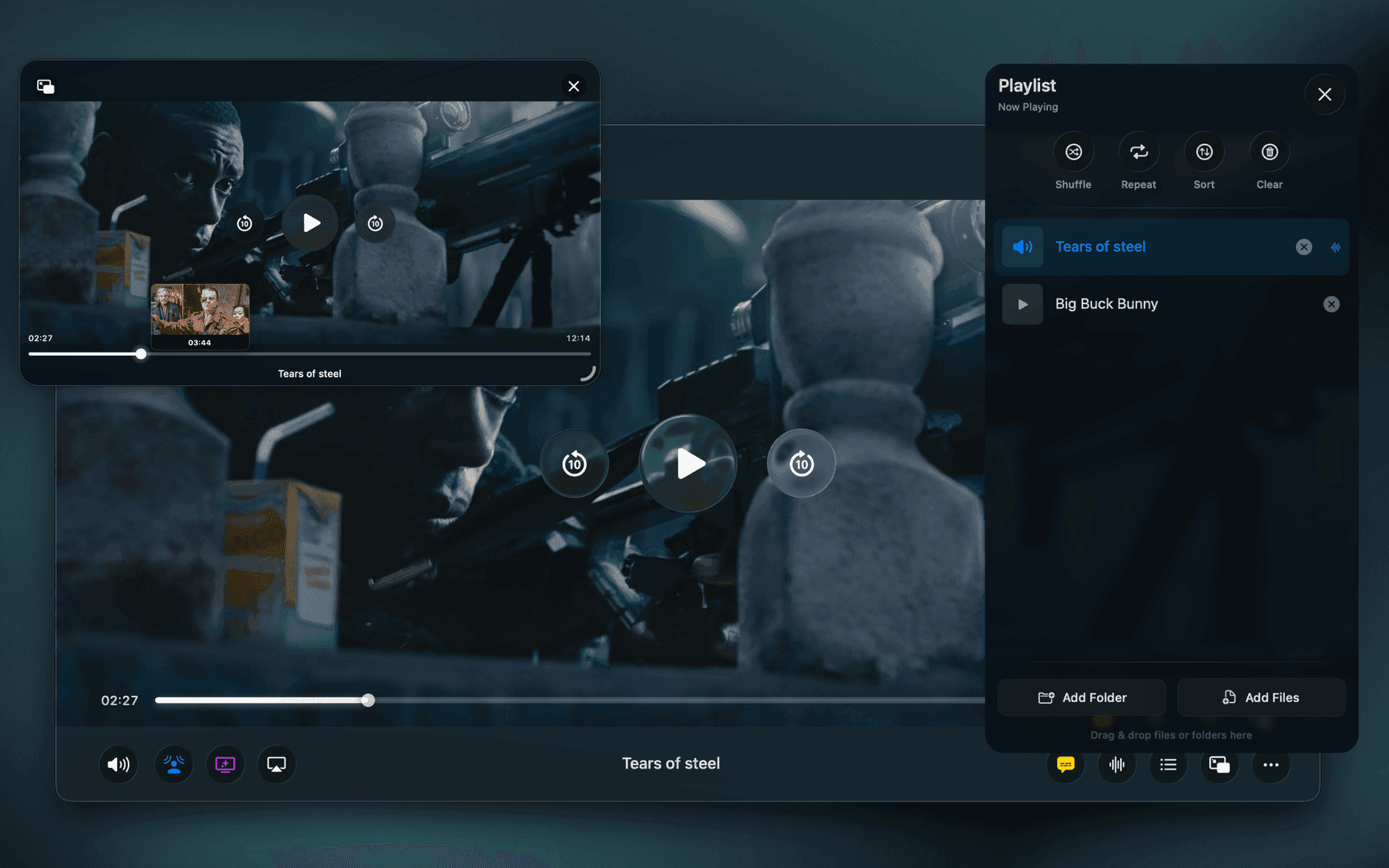
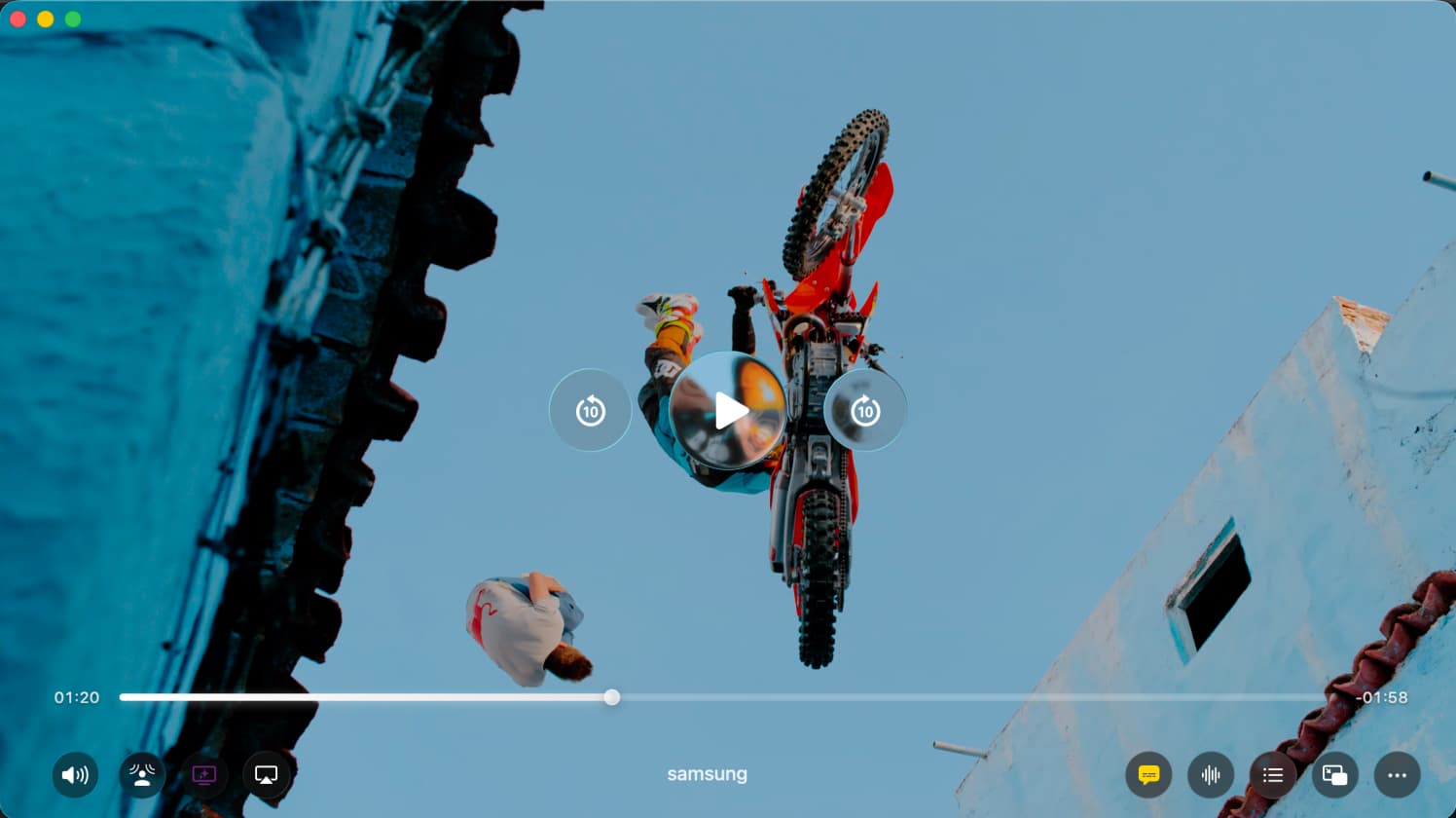
Players like Vidi are built around Apple’s native display pipeline, ensuring accurate color, proper HDR handling, and consistent results across Mac displays.
Conclusion
Washed-out video on macOS is rarely caused by bad files. More often, it’s the result of how a video player handles color and HDR.
On modern Macs, using a player designed to work with Apple’s display system — not around it — makes a noticeable difference in image quality.
If visual quality matters to you, choosing the right macOS video player is just as important as the video itself.