Apple Silicon fundamentally changed what Macs are capable of. With M‑series chips, Macs deliver incredible performance per watt, powerful media engines, and long battery life — but only if apps are built to take advantage of them.
When it comes to video playback, not all players are equal on Apple Silicon. Some are optimized for Intel-era Macs or rely on cross-platform layers that leave performance and efficiency on the table.
This guide looks at the best video players for Apple Silicon Macs, focusing on efficiency, visual quality, audio, and how well each player integrates with macOS.
What Matters for Video Playback on Apple Silicon
On M1, M2, and newer Macs, a great video player should:
-
Use Apple’s native display pipeline for accurate color and HDR
-
Take advantage of hardware-accelerated decoding
-
Keep CPU usage low to preserve battery life
-
Deliver consistent, high-quality audio
-
Feel native and responsive on macOS
1. Vidi — Best Overall for Apple Silicon
Best for: Users who want the most native, efficient experience
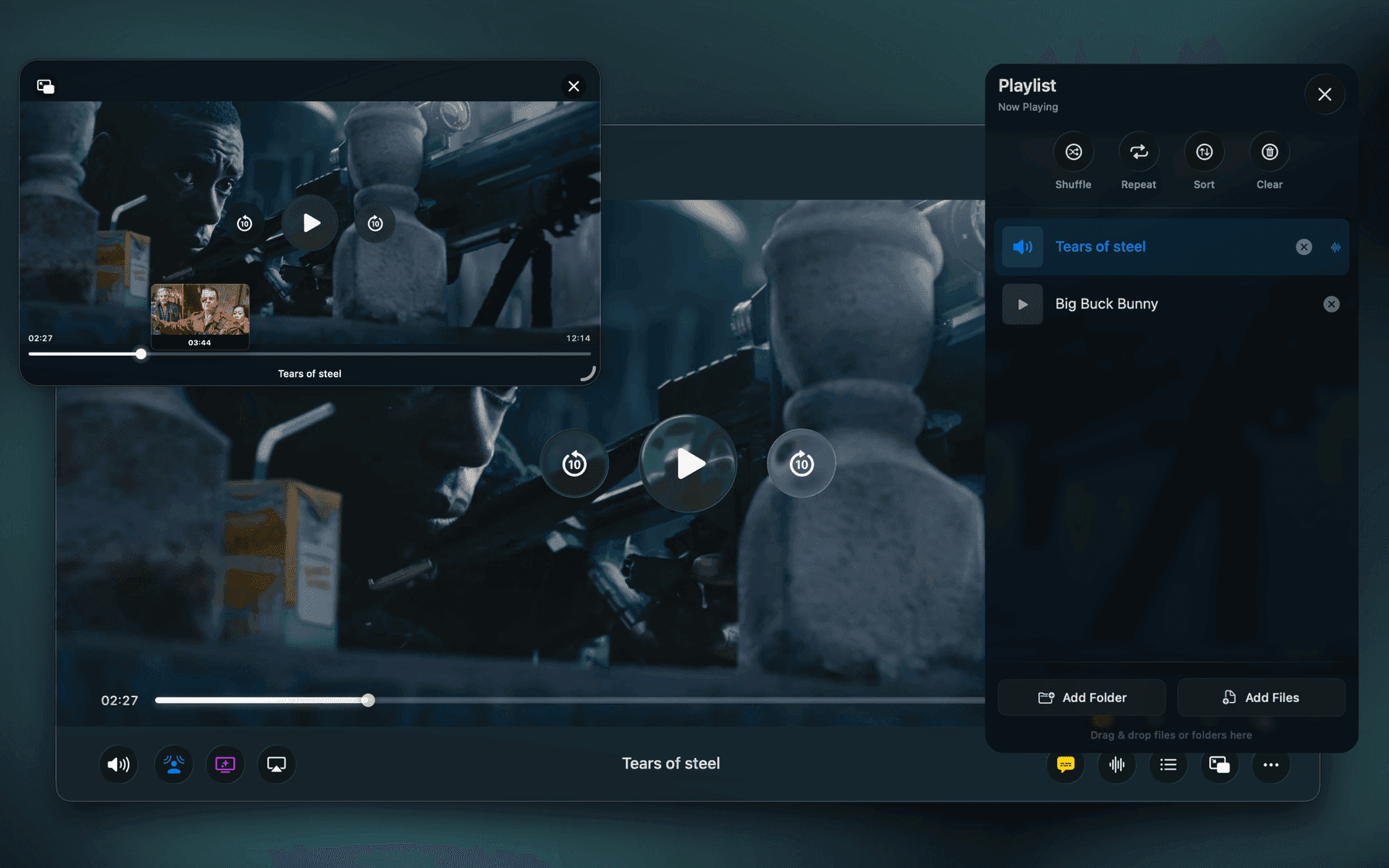
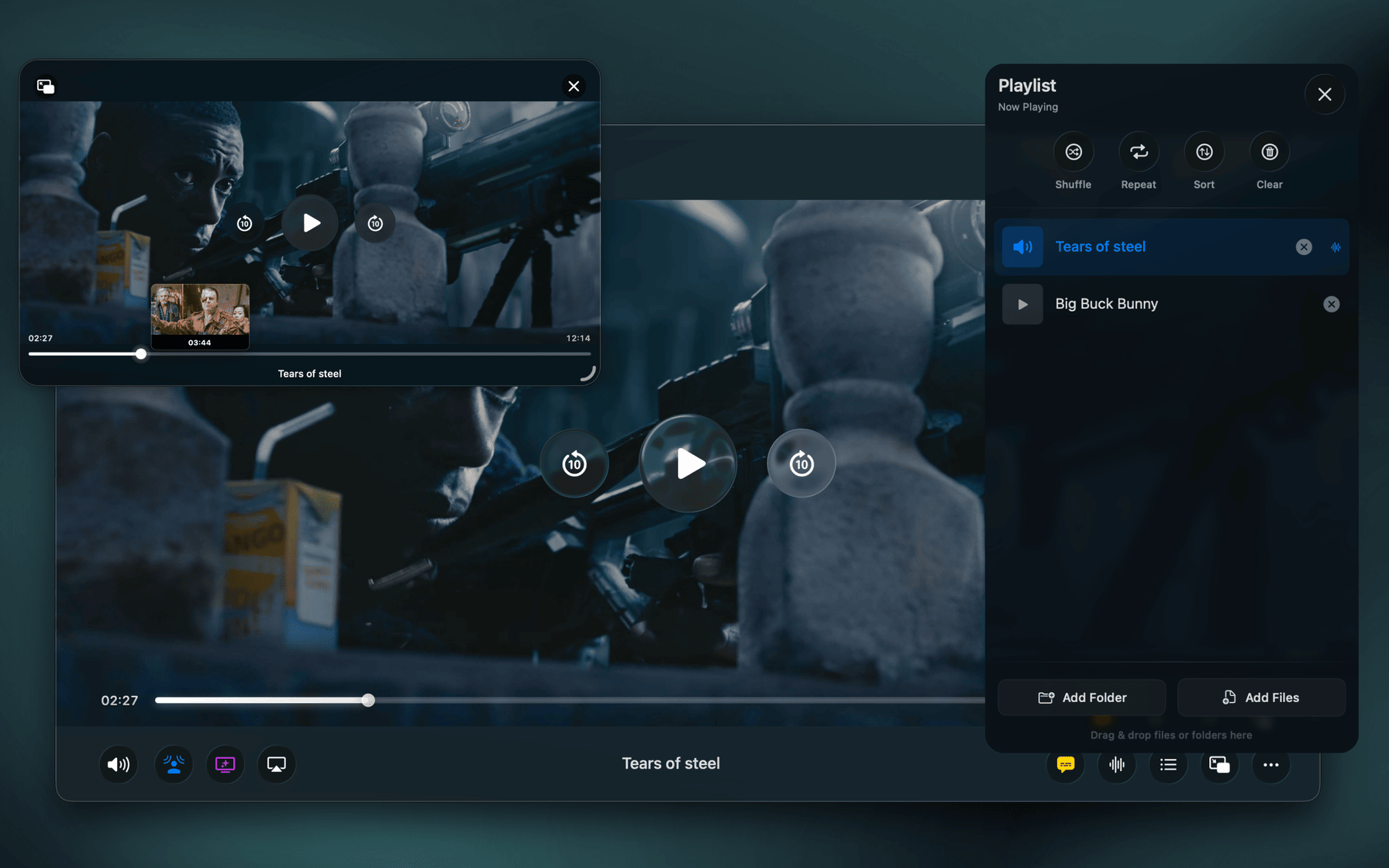
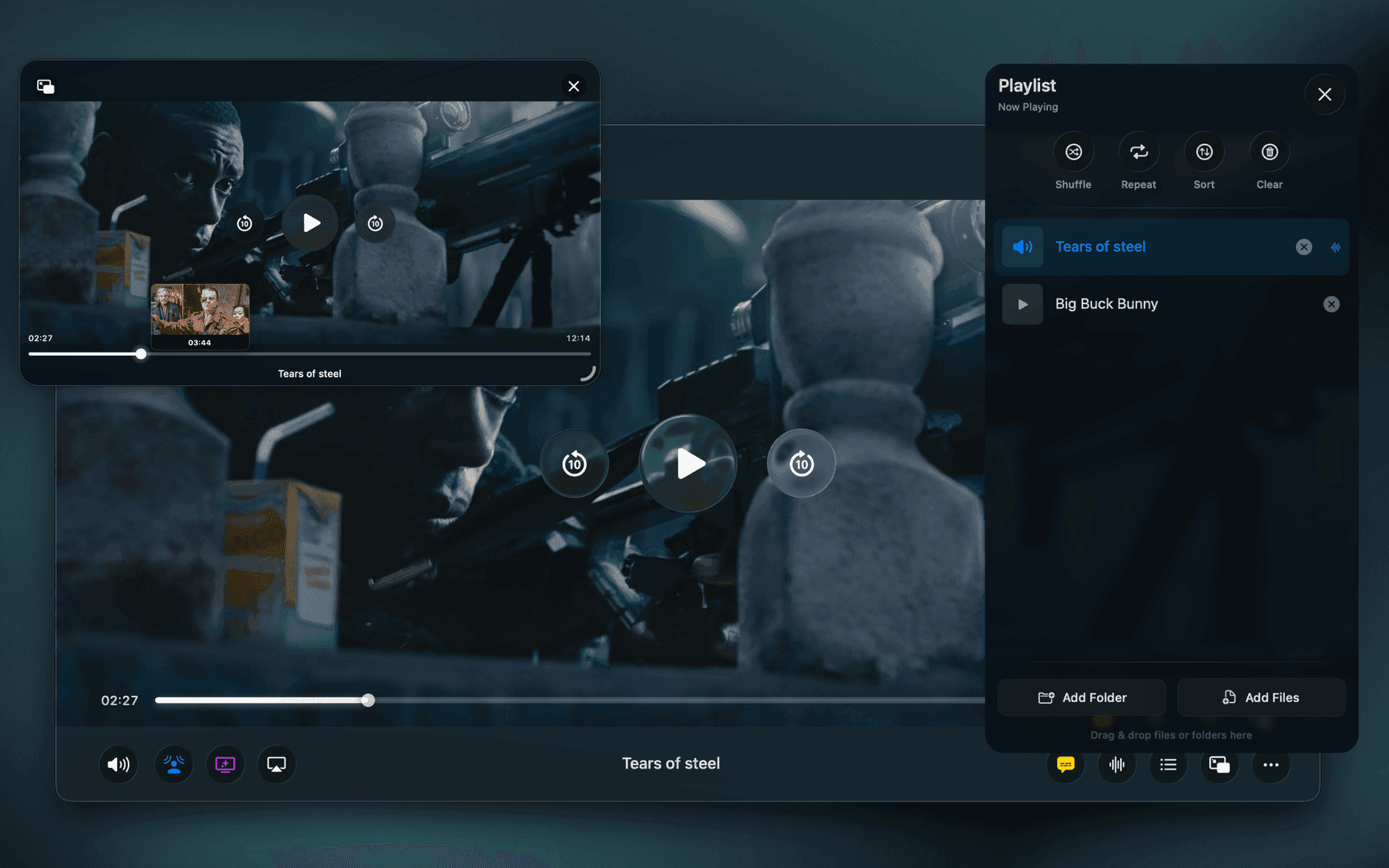
Vidi is built specifically for macOS and Apple Silicon. Instead of relying on cross-platform rendering layers, it uses Apple’s native display and audio pipelines, with FFmpeg handling decoding.
On Apple Silicon Macs, this results in:
-
Lower CPU usage during playback
-
Better battery efficiency
-
Accurate HDR and color on Mac displays
-
High-quality audio powered by Apple’s audio engine
Vidi also features a modern macOS interface, advanced Picture-in-Picture, Spatial Audio on any headphones, smart resume, and subtitle support.
2. IINA — Best Free Option
Best for: Users who want a capable, open-source player
IINA is a popular Mac video player built on top of mpv. It supports nearly every format and offers a high level of customization.
While IINA runs well on Apple Silicon, its cross-platform playback engine means it doesn’t fully leverage Apple’s native display and audio systems. HDR handling and power efficiency can vary depending on content.
Still, for a free player, IINA remains a solid choice.
3. VLC — Best for Maximum Compatibility
Best for: Playing almost any file format
VLC is known for its wide format support. It runs on Apple Silicon and can play nearly anything you throw at it.
However, on modern Macs, VLC feels dated. Its UI isn’t particularly macOS-like, and it doesn’t integrate deeply with Apple’s media frameworks. Battery usage and HDR accuracy can be inconsistent.
4. Elmedia Player — Best for Streaming and Casting
Best for: Users who frequently stream or cast video
Elmedia Player offers a polished interface and strong streaming features. It performs well on Apple Silicon but still relies on non-native playback layers, which limits how much it can benefit from Apple’s hardware and frameworks.
Which Video Player Should You Choose?
-
Choose Vidi if you want the most efficient, native Apple Silicon experience
-
Choose IINA if you want a free and customizable player
-
Choose VLC if compatibility is your top priority
-
Choose Elmedia Player if casting features matter most
Final Thoughts
Apple Silicon Macs reward apps that are built specifically for them. When it comes to video playback, native integration with macOS display and audio systems makes a real difference in quality, efficiency, and battery life.
If you want to get the most out of your Apple Silicon Mac, choosing a video player designed for modern macOS is key.