
The Modern, High-Performance
Mac Video Player
The modern video player your Mac deserves. Vidi combines universal format support (MKV, AVI, WebM) with best-in-class performance and battery efficiency. Features include a Pro Audio Suite, Advanced PiP for multitasking, and seamless casting to AirPlay, Chromecast, and DLNA.
Version 1.0 • macOS 12+
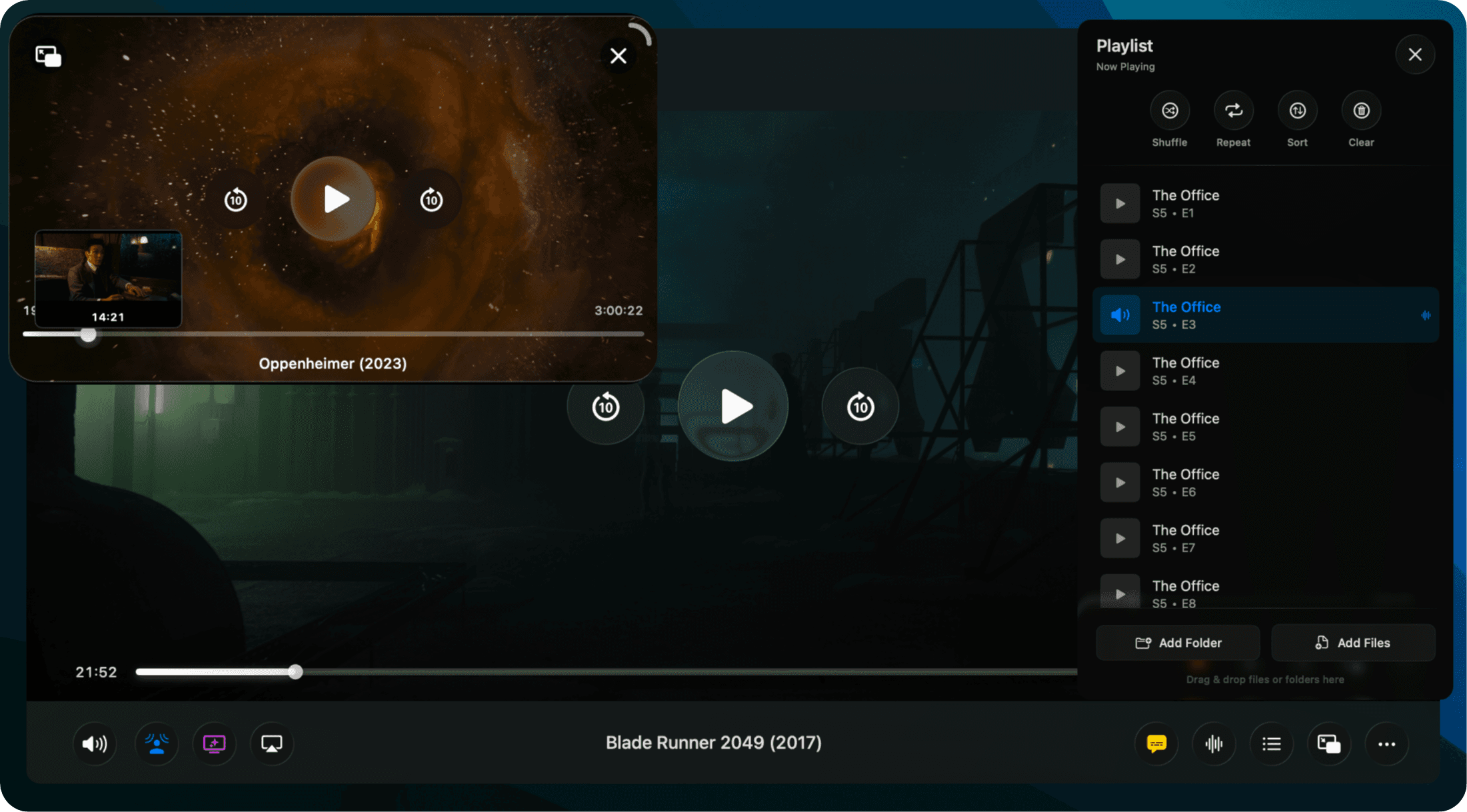
Light on Resources.
Heavy on Quality.
Experience stunning 4K HDR playback with hardware acceleration. Vidi delivers smooth performance while keeping your battery life healthy.
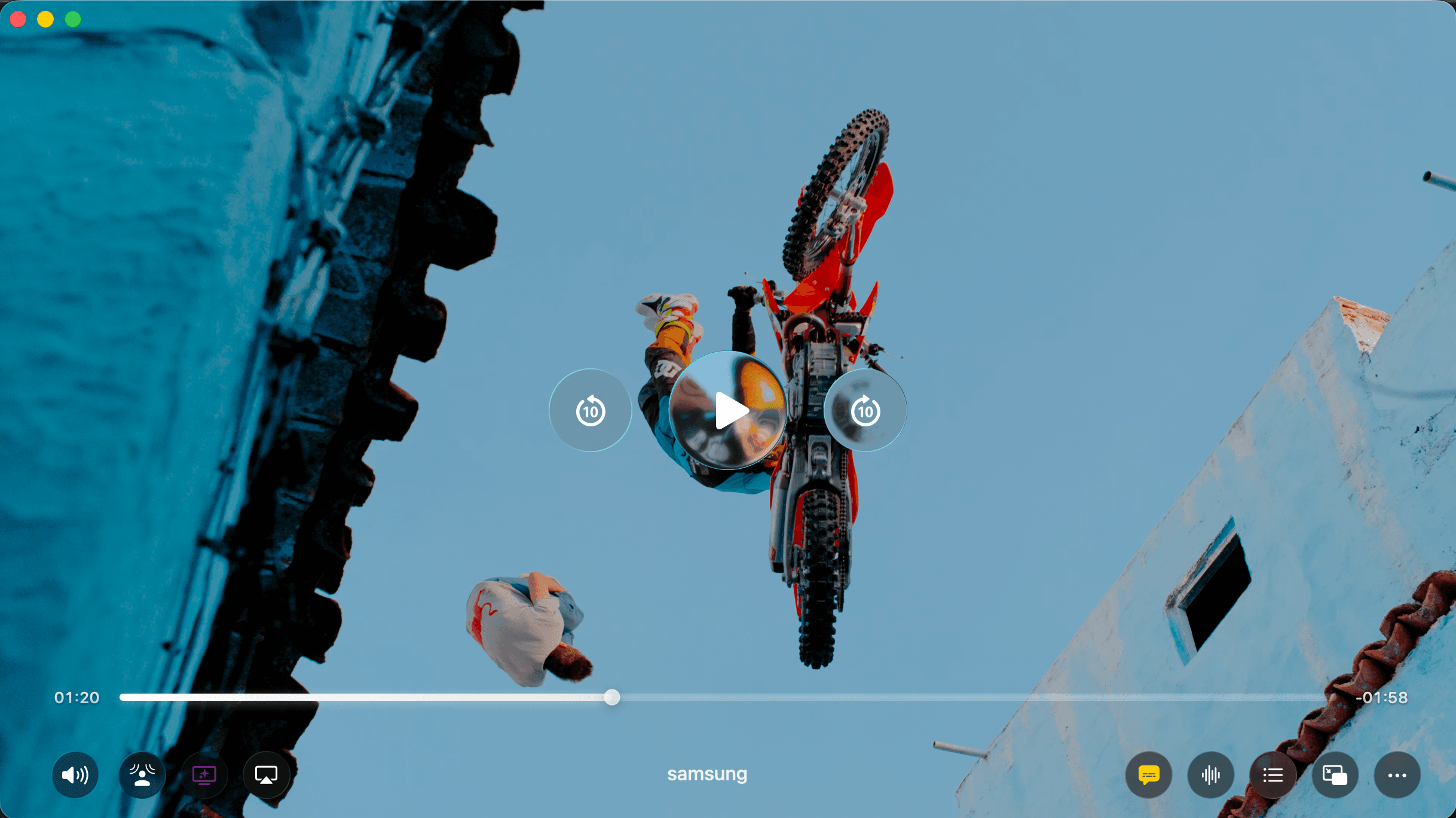
From 10-bit HEVC to high-bitrate AV1, Vidi handles it all. Colors pop, blacks are deep, and details are razor-sharp - exactly as the creator intended.
Watch While
You Work.
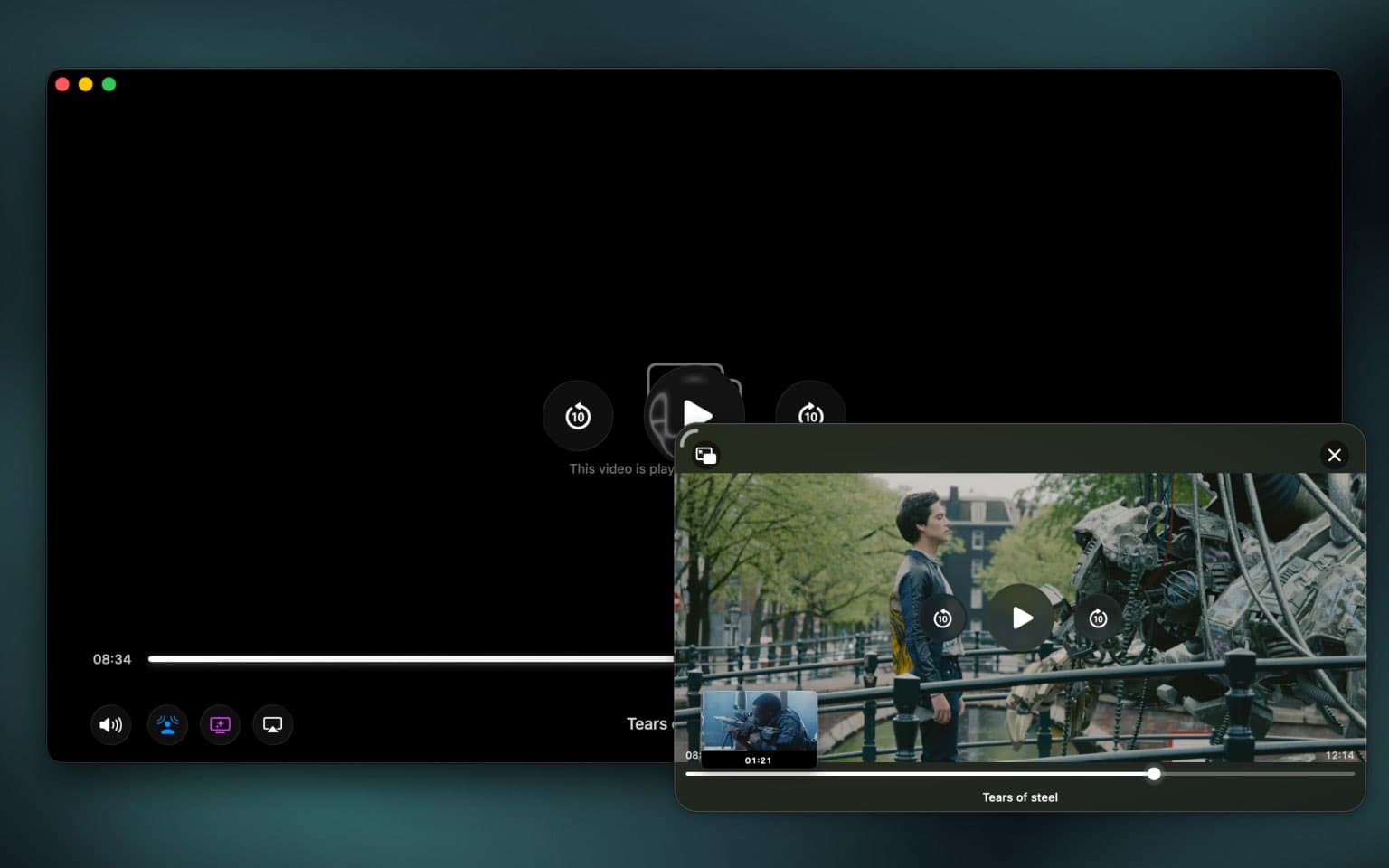
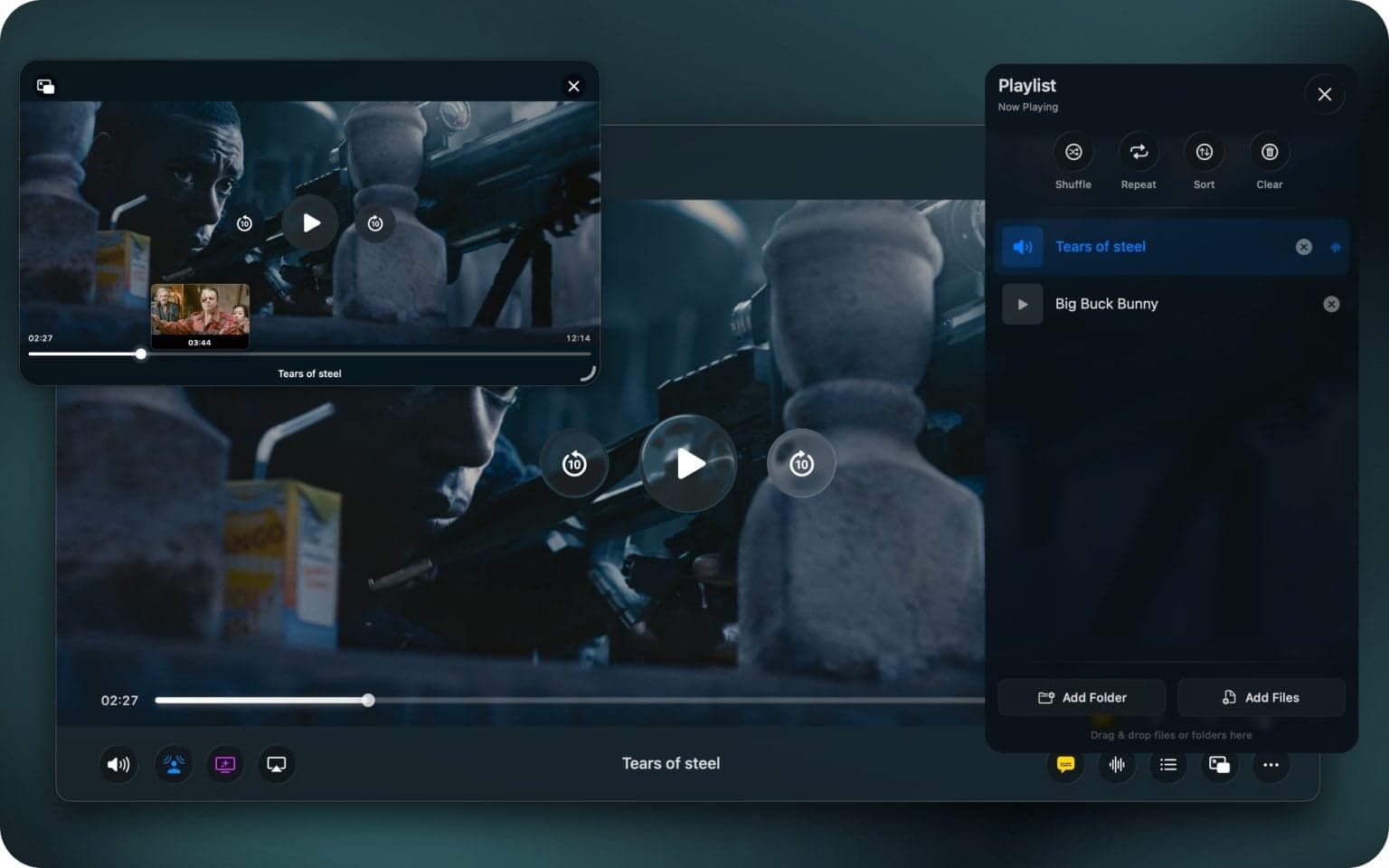
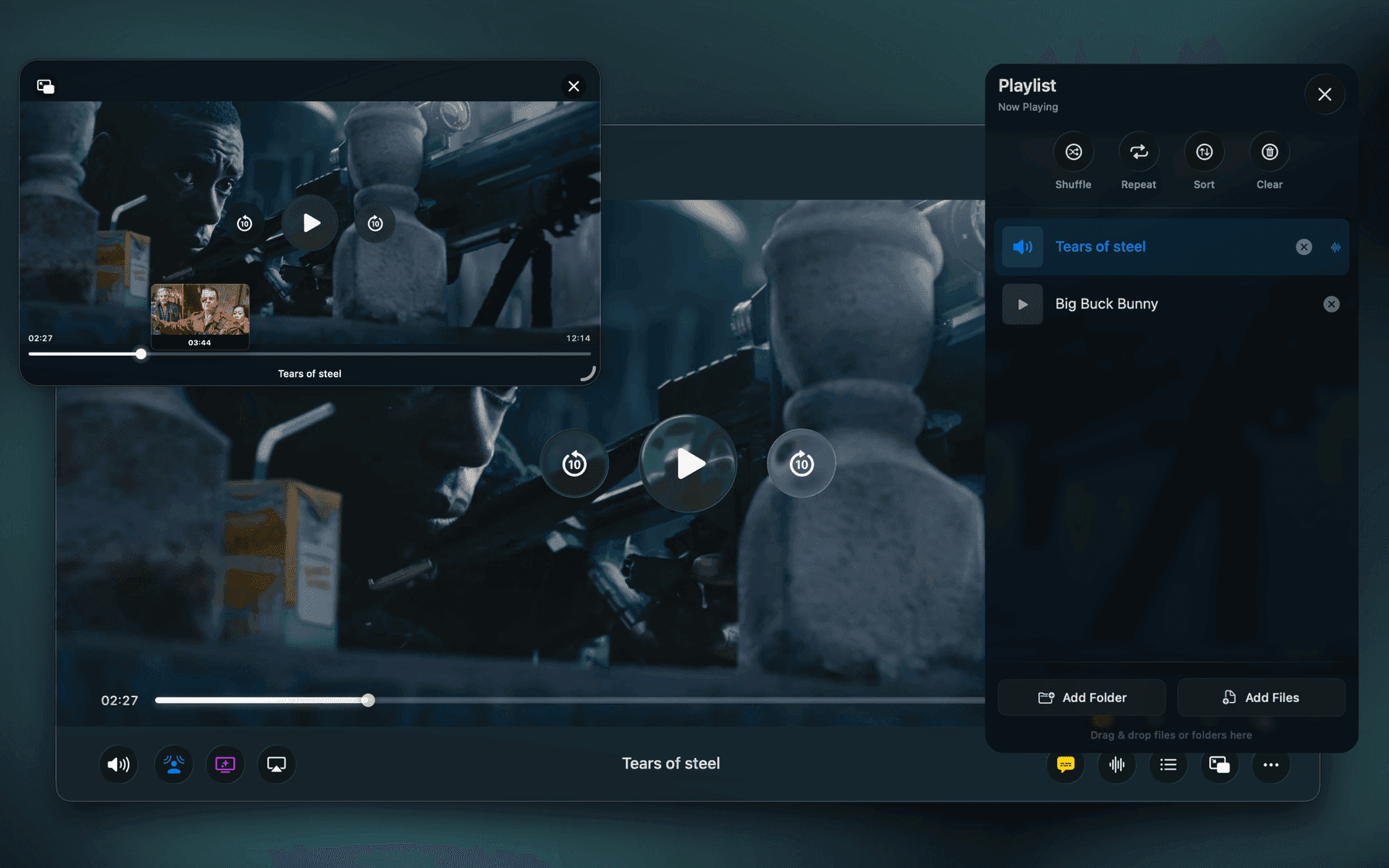
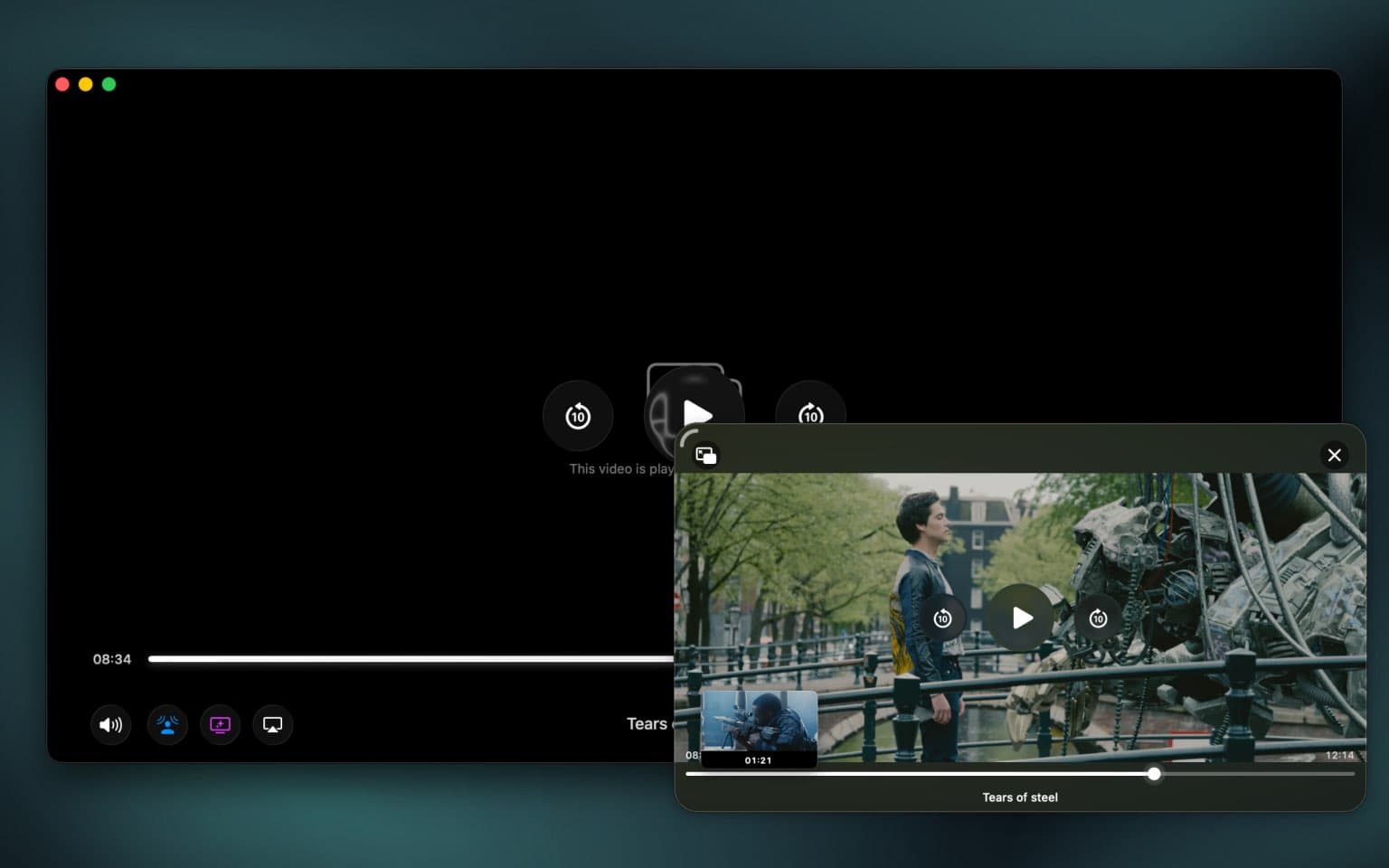
Picture-in-Picture keeps your video floating above all other windows. Perfect for multitasking without missing a moment of your favorite content.
Unlike basic PiP modes, Vidi includes full playback controls, subtitle support, and timeline scrubbing right in the floating window. No need to return to the main player.
Cinema-Quality Audio
for Any Video.
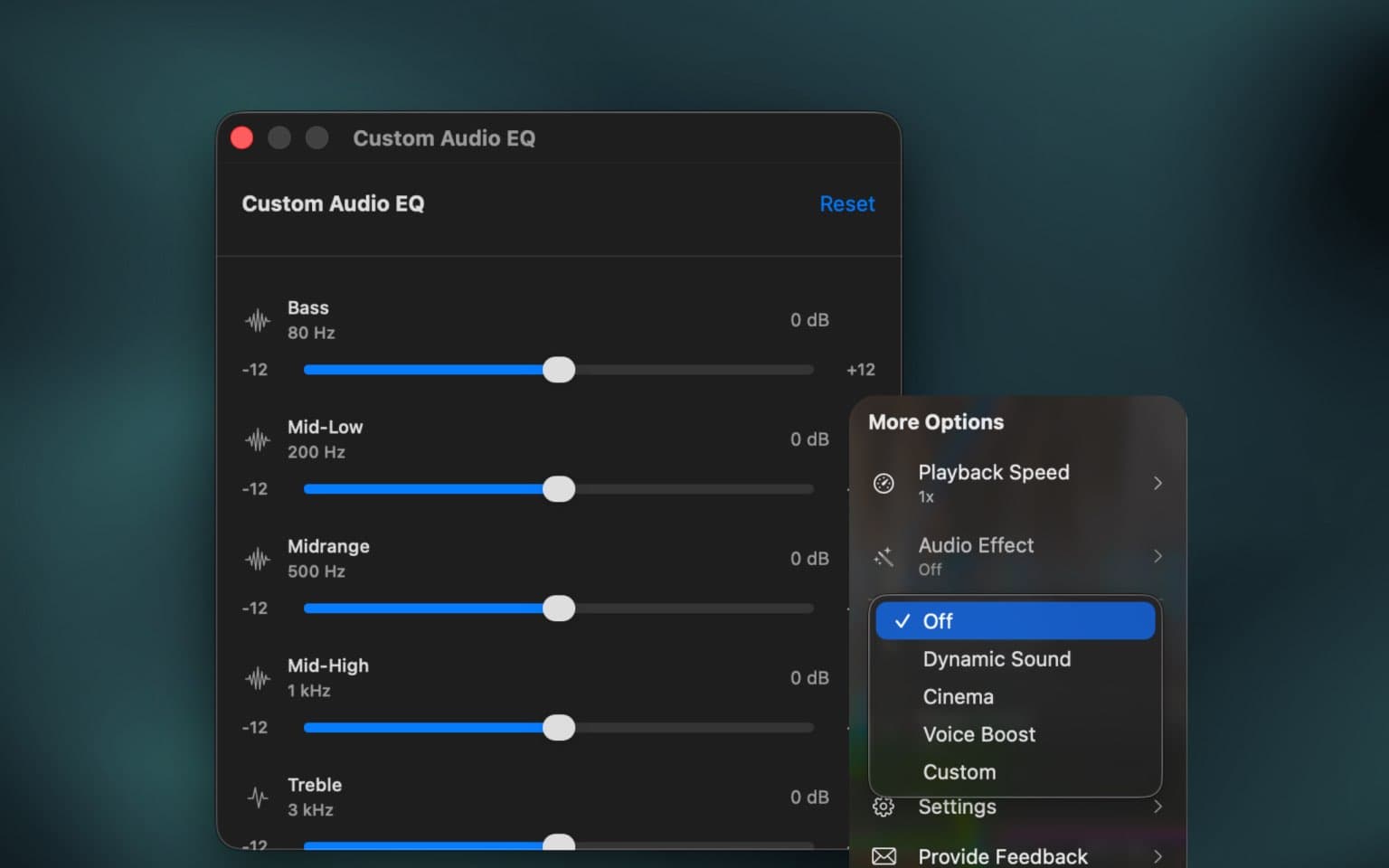
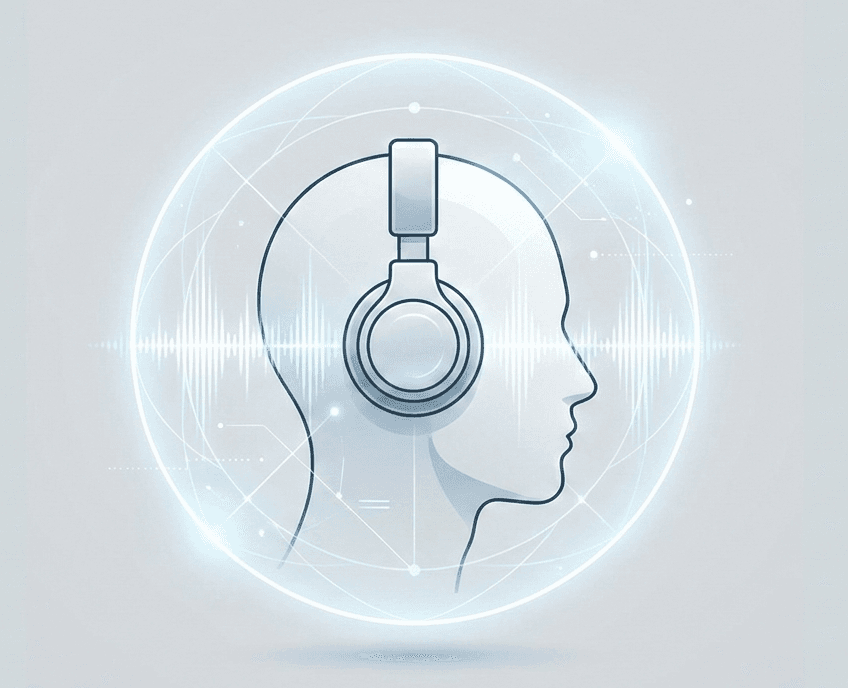
The only video player that uses Apple's framework to enable spatial audio for any 5.1 or 7.1 video content (which most movies are) using any headphones (even a $2 one).
Hear a true 3D soundscape that places audio around you, above you, and behind you, without needing special encodes or expensive surround setups.
Beautiful, Modern
UI Design.
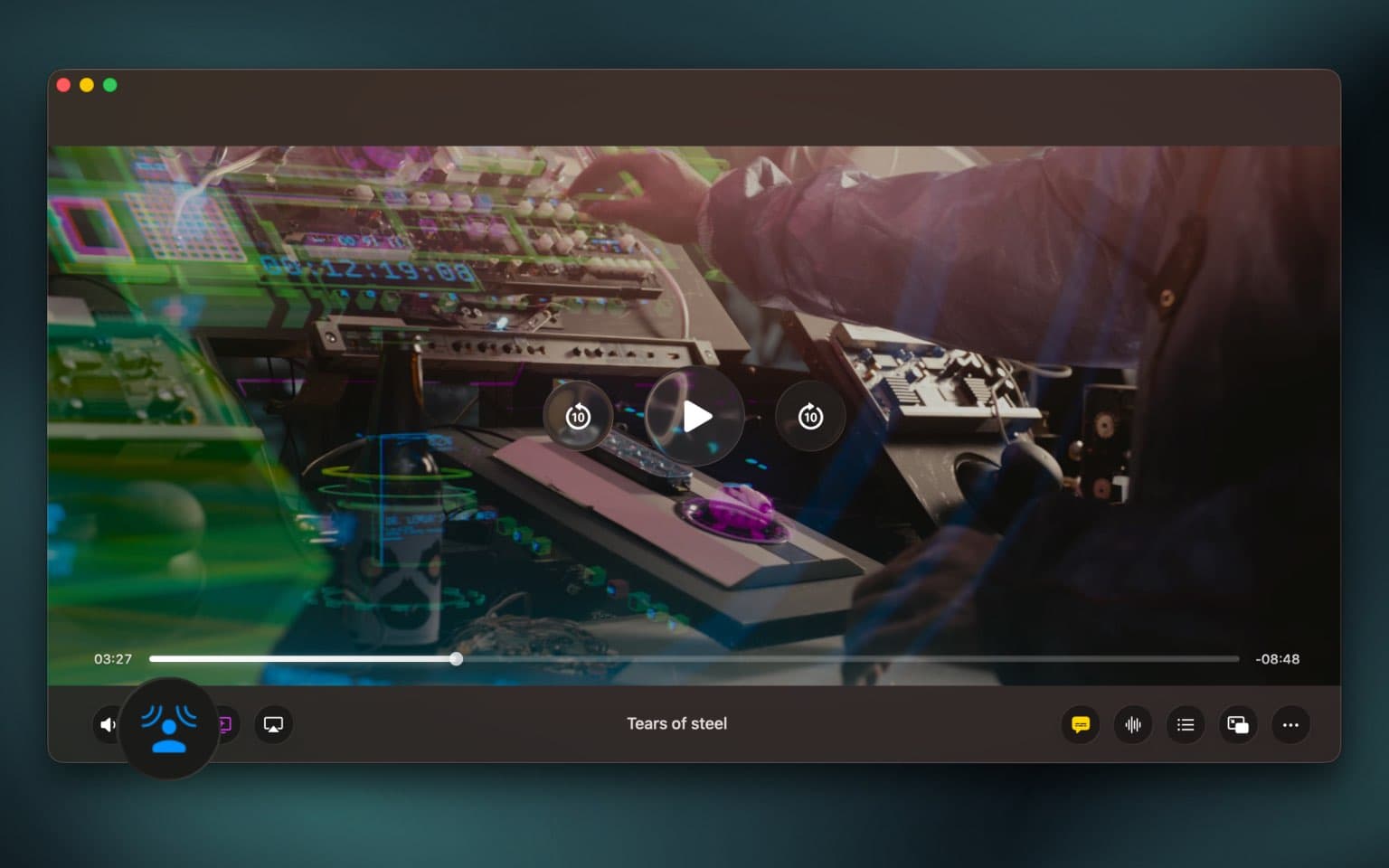
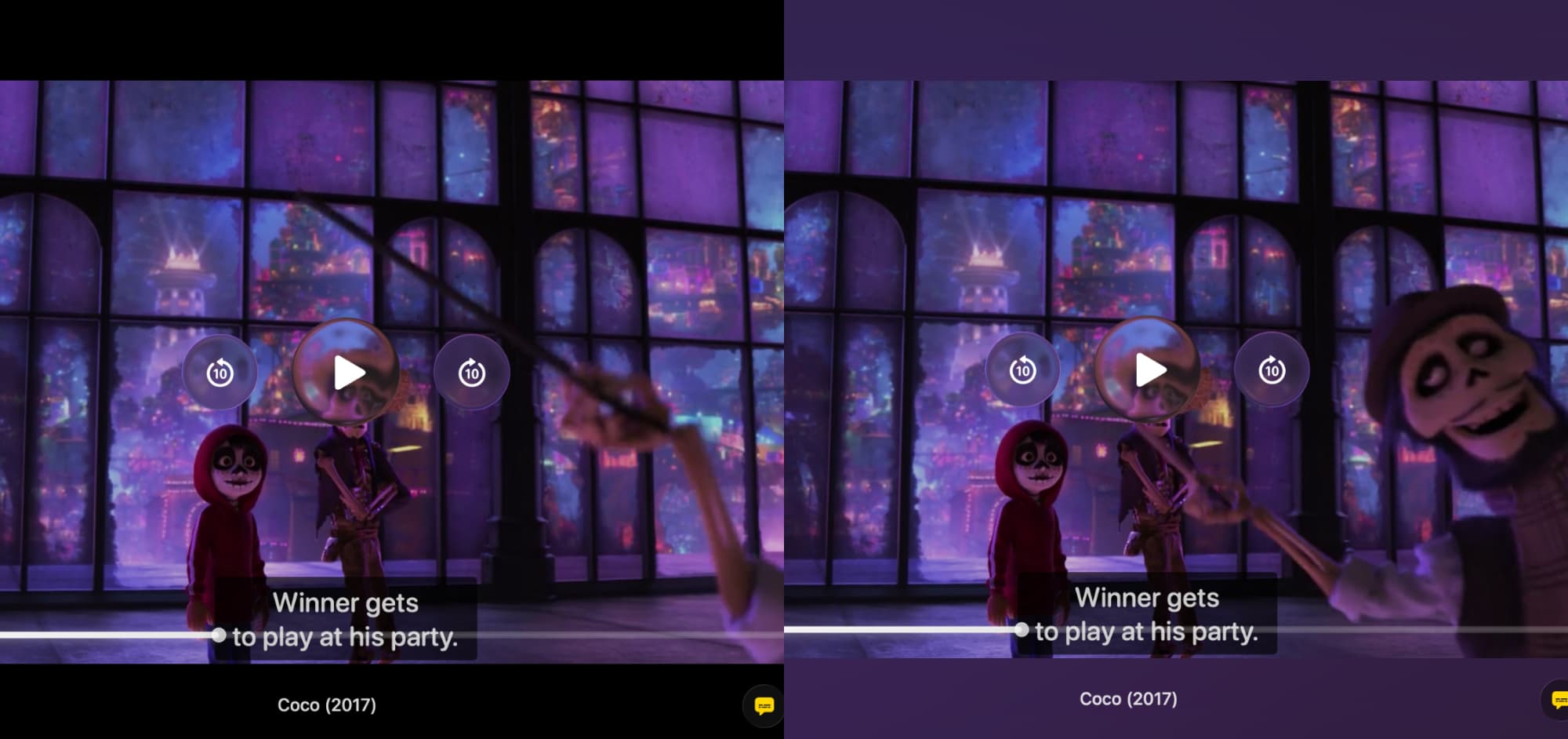
Built for macOS 26's Liquid Glass design language with fluid animations, adaptive transparency, and dynamic blur effects that seamlessly integrate with the system.
Ambient Mode extends your video beyond the screen with a stunning backlight effect. Colors glow around the player window, adapting in real-time for an immersive viewing experience.
Cast to Any
Device Seamlessly.
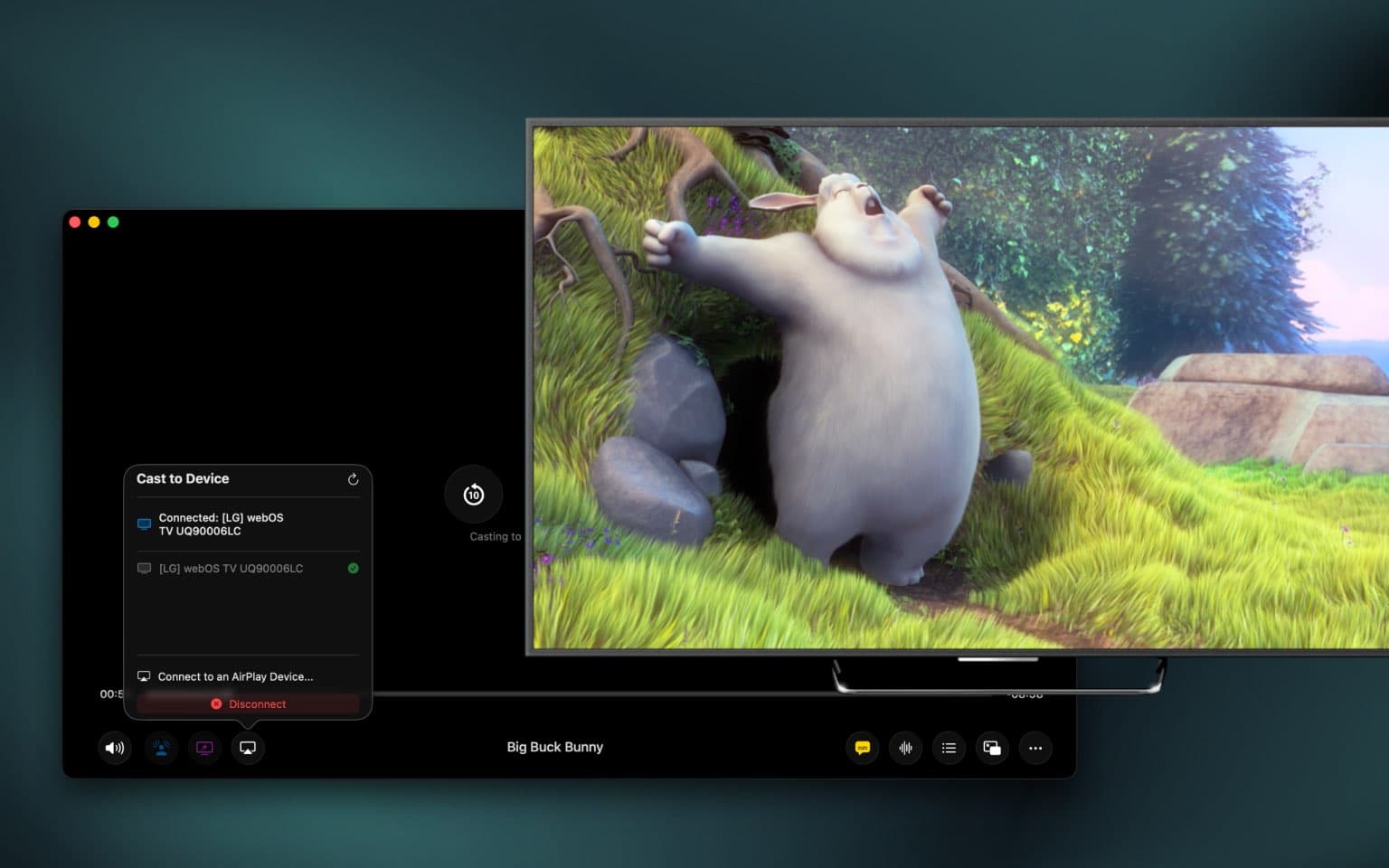
Stream your videos to any screen with support for AirPlay, Chromecast, and DLNA. Cast your favorite content to your TV, projector, or any compatible device with just one click.
Enjoy seamless playback with full control from your Mac. Adjust volume, seek through your video, and manage playback—all while your content plays on the big screen. No interruptions, no compromises.
Features
A next-generation video player designed for the way you watch.
Universal Format Support
Play virtually any video format without conversion - MP4, MKV, AVI, MOV, WebM, and more.
Hardware Acceleration
Smooth 4K playback with efficient hardware decoding for perfect color and crisp detail.
Multiple Subtitle Formats
Full support for SRT, VTT, ASS, and SSA with perfect styling and timing.
Online Subtitle Search
Download accurate subtitles instantly from OpenSubtitles with one-tap integration.
Playback Speed
Variable speed from 0.25x to 2x with pitch correction.
Customizable Subtitles
Choose from multiple styles and sizes with adjustable opacity and backgrounds.
Intelligent Filename Display
Smart parsing that beautifully displays episode numbers, titles, and release years.
Playback History
Quick access to recently watched videos with thumbnails and progress indicators.
Thumbnail Seek Preview
Real-time thumbnail previews as you scrub through the timeline.
Sleep Timer
Set automatic pause timer for 5, 15, 30, 45, or 60 minutes.
Auto Playlist
Automatically queues videos in the same folder for seamless continuous playback.
Shuffle & Repeat
Randomize your playlist or loop content endlessly with flexible playback modes.
Gesture Controls
Intuitive trackpad gestures for volume, seeking, and navigation without clicking.
Keyboard Shortcuts
Complete keyboard navigation with shortcuts for every function.
Smart Resume
Remembers your exact position so you can pick up right where you left off.
⭐️ Premium Features
Unlock the ultimate video experience with our premium features.

Spatial Audio & Cinema Mode
Immersive 3D sound experience with cinema-quality audio enhancement. On any headphones.
Picture-in-Picture
Advanced PiP with subtitles, timeline scrubbing, and full playback controls.
Cast to Devices
Stream to Chromecast, AirPlay, and DLNA with full playback controls.
Dynamic Sound & Voice Boost
Automatically enhance dialogue clarity and balance audio levels.
Ambient Mode
Beautiful ambient backlight effect that extends your video beyond the screen.
7-Band EQ
Professional equalizer with preset profiles and manual frequency control.
Volume Boost
Amplify audio up to 400% for quiet videos or enhanced listening experience.
Intro & Outro Skipping
Automatically detects and skips intros and outros using chapter metadata.
Frequently Asked Questions
Everything you need to know about Vidi
Vidi supports virtually any video and audio format including MP4, MKV, AVI, MOV, WebM, FLV, WMV, and many more.
Yes! Vidi is a native Mac app optimized for Apple Silicon (M1, M2, M3, M4) with hardware acceleration for efficient playback and maximum battery life. It also runs perfectly on Intel Macs.
Yes! Premium users can stream to Chromecast, AirPlay, Roku, and DLNA devices with full playback controls directly from Vidi.
Absolutely. Vidi supports SRT, VTT, ASS, and SSA subtitle formats with full styling. You can also search and download subtitles from OpenSubtitles with one tap, and customize subtitle appearance to your preference.
Vidi requires macOS 12 (Monterey) or later. It's optimized for the latest macOS versions to take full advantage of modern hardware capabilities.
Yes! Vidi fully supports 4K, 8K, and HDR content with hardware-accelerated decoding for smooth playback and accurate color reproduction.
Picture-in-Picture keeps your video floating above all other windows. Unlike basic PiP, Vidi's implementation includes full playback controls, subtitle support, and timeline scrubbing right in the floating window.
Ambient Mode creates a beautiful backlight effect that extends your video's colors beyond the screen. The lighting dynamically adapts to every scene in real-time for an immersive viewing experience.
Vidi automatically creates playlists from videos in the same folder for seamless continuous playback. You can also use shuffle and repeat modes for flexible viewing.
Spatial audio creates an immersive 3D soundscape through your headphones that works with any video content - no special encoding required. Combined with cinema mode, it delivers a theater-quality audio experience.
No. Vidi is privacy-focused and does not collect or track your viewing history or personal data. Everything stays on your Mac.
Absolutely! Vidi is a fully offline video player. Internet connection is only needed for optional features like downloading subtitles from OpenSubtitles or casting to network devices.
Popular Articles
Learn more about Vidi and its features
Introducing Vidi: A Modern, Powerful, and Efficient Video Player for Mac.
For years, my go-to video player was IINA. It’s a fantastic open-source project that has served the Mac community incredibly well. It plays almost anything you throw at it, and for most people, it works great. But as someone who lives in Picture-in-P...

A Deep Dive into Vidi’s Immersive Audio Suite (Spatial, Cinema & Voice Boost)
When we talk about video players, we almost always talk about pixels. Is it 4K? Is it HDR? Is the color accurate? But as any movie lover knows, video is only half the experience. The other half is audio. Most video players treat audio as an afterthou...

The Ultimate Guide: How to Play Any Video File (MKV, AVI, WebM) on a Mac
You double-click a video file someone sent you. It's an .mkv, an .avi, or a .webm. Instead of your video playing, you get the same frustrating error: "The file ... is not compatible with QuickTime Player." We've all been there. We love our Macs for t...
VLC vs IINA vs Vidi: Which Mac Video Player Is Best?
Choosing a video player on macOS used to be straightforward. Today, with Apple Silicon Macs, HDR displays, and higher expectations around battery life and visual quality, how a video player is built matters just as much as what it can play. VLC, IINA...
How to Experience Spatial Audio on Any Headphones
When people hear “spatial audio,” they usually think of AirPods Pro or high-end gaming headsets. In reality, spatial audio isn’t about the headphones, it’s about the processing. While building Vidi, I implemented a spatial audio engine that works wit...
Why We Built the Advanced PiP We Always Wanted
This was the feature that started it all. Before Vidi, I was a heavy user of other Mac video players. I’m a developer, which means I spend most of my day with a code editor on one side of the screen and a video playing in Picture-in-Picture (PiP) on ...